






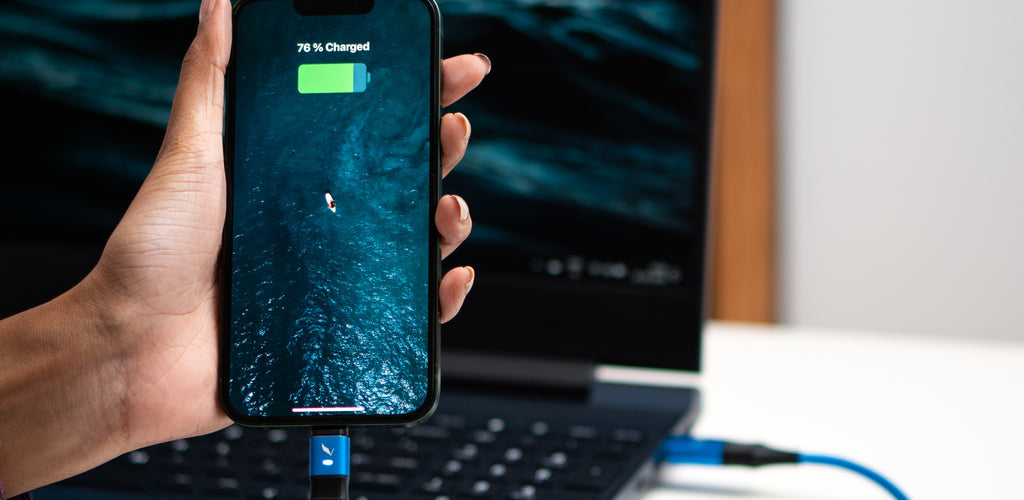
Bought a new phone? You might have heard that you should charge it to 100% before using it for the first time.
The truth is, that advice is left over from older battery technology.
Modern smartphones use lithium-ion batteries, which work very differently. In this guide, you'll learn whether charging a new phone to 100% actually helps, what battery experts recommend instead, and the simple habits that can help your battery last longer.
Why This Myth Still Exists
If you've heard that you should charge a new phone to 100% before using it, you're not alone. That advice dates back to older rechargeable batteries like nickel-cadmium (NiCd), which suffered from what's known as the memory effect. Repeatedly charging those batteries before they were fully discharged could reduce their usable capacity over time.
Because of that, manufacturers recommended fully charging new devices before first use. Although that advice made sense years ago, it no longer applies to modern smartphones.
How Modern Lithium-Ion Batteries Actually Work
Modern smartphones use lithium-ion batteries, which are far more advanced than the nickel-cadmium batteries found in older electronics. Unlike those older batteries, lithium-ion batteries don't develop a memory effect, so there's no need to fully charge or completely drain them before use.
Instead, lithium-ion batteries naturally age through repeated charge cycles and exposure to heat. Every time you charge and discharge your phone, a small amount of battery capacity is lost over time. While this process can't be avoided entirely, adopting good charging habits can help slow it down and extend your battery's lifespan.
Use a High-Quality Charging Cable
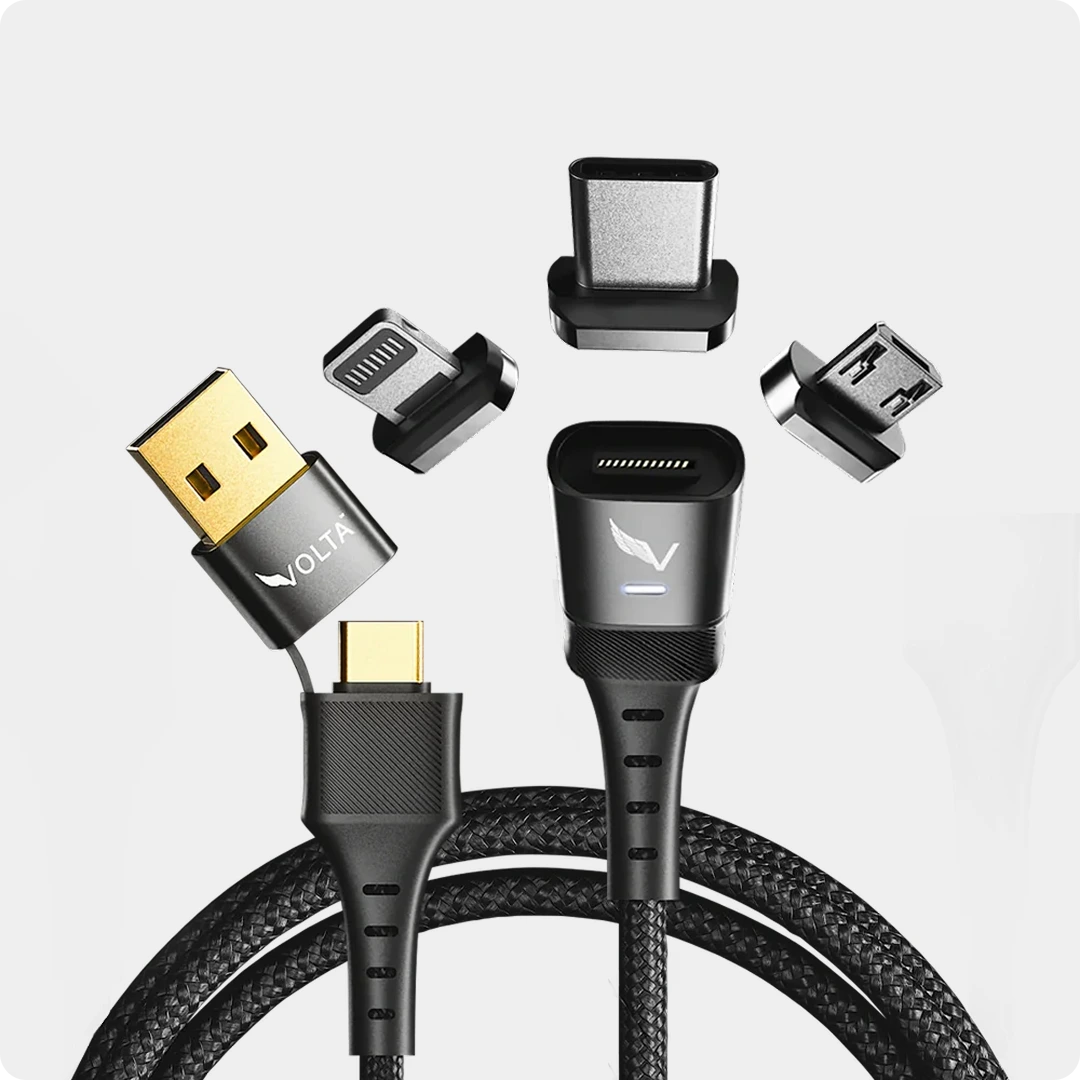
The charger isn't the only accessory that affects charging performance. A well-built USB cable helps deliver power consistently and safely, reducing interruptions caused by poor-quality wiring or unstable connections.
While no cable can stop a lithium-ion battery from aging naturally, using a durable cable designed for reliable power delivery. Such as the Volta Max helps ensure your phone charges as efficiently as possible.
$50.00
✅
Easy
Magnetic
Connection
✅
Snap
to
Charge
Your
Phone,
Laptop,
and
More
✅
Charges
ALL
Apple
Lightning,
USB-C
&
Micro
USB
Devices
✅
Supports
...

Volta MAX Cable
The Sweet Spot: Keeping it Between 20% and 80%
For optimal battery health, it's best to keep your phone's charge level between 20% and 80%. This reduces the strain on the battery by minimizing the time it spends at the extremes of its capacity.
Here's the science behind it: At very high charge levels (above 80%), the battery works harder to regulate voltage. At very low charge levels (below 20%), the battery struggles to deliver enough power consistently. By keeping your phone charged within this sweet spot (20% - 80%), you can minimize battery wear and tear, extending its lifespan.
Modern Phones Take Care of Themselves
Modern smartphones are equipped with sophisticated charging management systems. These systems prevent overcharging and automatically stop charging the battery once it reaches 100%. So, even if you do accidentally leave your phone plugged in overnight, you don't have to worry about damaging the battery.
Charging Habits for a Healthy Battery:
Avoid extreme temperatures: Extreme heat or cold can damage your battery. Don't leave your phone in direct sunlight or a hot car for extended periods.
Use the original charger or a certified one: Third-party chargers might not be regulated properly and could harm your battery. Stick to the charger that came with your phone or a reputable brand like the Voltacharger.

Don't wait until your phone dies: Repeatedly letting your phone completely discharge can stress the battery. Aim to plug it in when it reaches around 20%.
Consider partial charges: If you know you'll only need your phone for a short time, top it up to a level that meets your needs rather than aiming for a full charge.
By following these tips, you can ensure your new phone's battery stays healthy and delivers optimal performance for years to come.
We Recommend Our Portable Powerhouse (VoltaGo Max). To keep your smartphone charged always.

FAQ'S
Battery Technology:
- What type of battery does my phone use?
Almost all modern smartphones use Lithium-ion (Li-ion) batteries.
Battery Charging:
- Do I need to fully charge my new phone before using it?
No. Unlike older batteries, Li-ion batteries don't suffer from "memory effect" and can be used right out of the box.
- Should I let my phone battery die completely before charging it?
No, this can actually shorten the battery's lifespan. It's best to keep your phone charged between 20% and 80%.
- Is it bad to leave my phone plugged in all the time?
Modern phones and chargers are designed to prevent overcharging, so it's generally safe to leave your phone plugged in overnight. However, for optimal health, it's recommended to occasionally let the battery drop below 20% before charging.
- What is fast charging and does it damage the battery?
Fast charging delivers power more quickly, but it can generate more heat, which can stress the battery slightly. While occasional use is fine, relying solely on fast charging may reduce battery lifespan over time.
Battery Life:
- Why does my phone battery drain so fast?
Several factors can contribute to fast battery drain, including screen brightness, background app refresh, GPS usage, and demanding apps or games.
- How can I improve my phone's battery life?
There are many ways to improve battery life, such as adjusting screen brightness, closing unused apps, enabling battery saver mode, and reducing location services usage.
- Does my phone battery get worse over time?
Yes, all batteries degrade over time. Li-ion batteries typically hold around 80% of their original capacity after 400-800 charge cycles.
Battery Care:
- How can I extend the life of my phone battery?
In addition to following good charging practices, avoid extreme temperatures (hot or cold) and store your phone partially charged (around 50%) if you won't be using it for a long time.
- What should I do if my phone battery bulges?
A bulging battery is a safety hazard. Stop using your phone immediately, power it down, and take it to a qualified technician for replacement.
Additional Tips:
Most phone manufacturers offer battery health settings that can show you the current capacity of your battery.


2 comments
Hive India
mobile phone charger manufacturer always focuses on quality components, fast-charging technology, and safety certifications
Maxamed Xuseen
Battery charger Samsung mobile phone
Leave a comment
This site is protected by hCaptcha and the hCaptcha Privacy Policy and Terms of Service apply.