





If your power bank is bulging, puffed up, separating at the seams, or no longer sitting flat, stop using it and don't charge it again.
A swollen lithium-ion battery is damaged and can become a fire or chemical hazard.
Don't puncture it, squeeze it, open it, or put it in your household bin.
Here's exactly what to do next.
What to Do With a Swollen Power Bank
Here are some additional tips:
How do I properly dispose of a damaged or swollen power bank?
Swollen or damaged power banks should be disposed of at designated e-waste or recycling centers. Never throw them in regular trash as they can be harmful and flammable.
🇺🇸 United States
- Visit Call2Recycle.org or Earth911.com. Enter your zip code to find the nearest drop-off
- Most Best Buy, Home Depot, and staples locations have dedicated battery recycling kiosks
- Many municipal Household Hazardous Waste (HHW) facilities accept them, search your city name + "HHW drop-off"
- Note: Call ahead for swollen/damaged batteries specifically, as some locations have policies about accepting them.
🇬🇧 United Kingdom
- Take it to any Currys PC world, Argos, or Robert Dyas. All accept battery recycling.
- Find your nearest drop-off at Recycle Now (recyclenow.com) or the Battery Back (batteryback.org) scheme
-
Your local council's recycling centre (tip) will also accept it under hazardous waste
🇨🇦 Canada
- Use Call2Recycle Canada (call2recycle.ca) to find a drop-off near you
- Best Buy Canada, London Drugs, and Canadian Tire all have battery recycling bins.
West Africa
- Contact your state's Environmental Protection Agency (EPA).
- Reach out to Wecyclers or GreenTech Recycling for e-waste collection.
-
Some phone repair shops and electronics markets accept dead power banks.
🇦🇺 Australia
- Drop it off at any Officeworks, JB Hi-Fi, or Battery World. All participate in the B-cycle national scheme.
-
Find locations at bcycle.com.au
🇿🇦 South Africa
- Reclite and e-Waste Africa both accept lithium batteries. Find drop-offs at ewaste.co.za
- Takealot service centres and select incredible connection branches also accept e-waste.
Everywhere else search: "your city + e-waste recycling" or "Your city + battery disposal". Look for municipal hazardous waste programmes or electronics retailers with take-back schemes. Never dump it in regular trash.
Preventing Power Bank Swelling in the First Place.
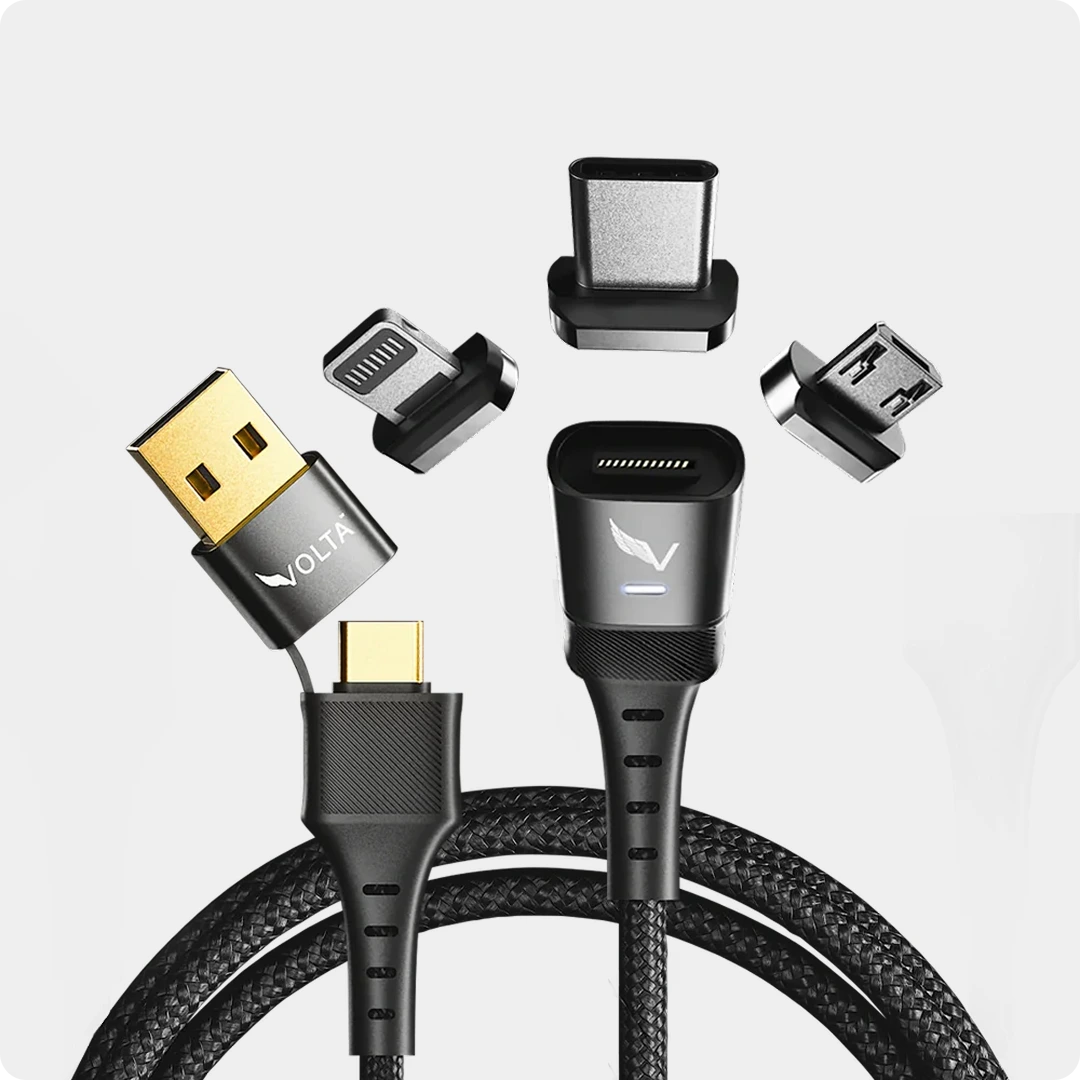
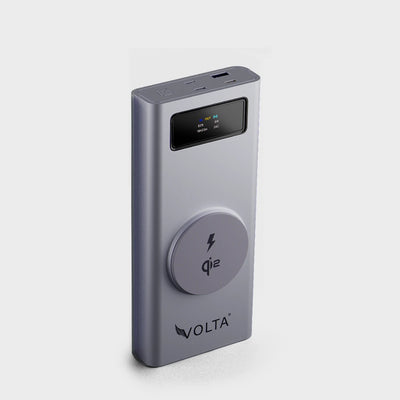
Introducing the VoltaGo Max 27,000mAh Power Bank: Your Safe and Reliable Power Solution
 We understand that a swollen power bank can be a scary experience. But it's important to remember that not all power banks are created equal. Here at Volta, we prioritize safety and quality in every product we design.
Stylish and Portable
The VoltaGo Max comes with a blend of style and portability

FAQ's
Why do power banks swell?
Swelling in power banks typically occurs due to the battery’s internal chemical reactions becoming unstable. Overcharging, using low-quality chargers, or exposing the power bank to extreme heat can cause this. The battery's electrolyte expands, leading to the swelling.
Is a swollen power bank dangerous?
Yes, a swollen power bank poses serious risks. It can potentially leak harmful chemicals, catch fire, or even explode. If you notice swelling, immediately stop using the power bank and dispose of it safely according to local e-waste guidelines.
How can I prevent my power bank from swelling?
To prevent swelling, use a high-quality charger, avoid overcharging, keep your power bank away from heat, and regularly monitor its condition. It's also essential to follow the manufacturer’s instructions on charging cycles and storage.
Can I fix a swollen power bank?
No, a swollen power bank should never be repaired. It should be safely disposed of as it has already become a hazard. Continuing to use or tamper with a swollen battery increases the risk of fire or explosion.
What are the signs that my power bank is failing?
Signs include swelling, slow charging, overheating, or not holding a charge as long as it used to. If any of these occur, it’s time to replace the power bank.
Can I take a power bank on a plane?
Yes, power banks are allowed in carry-on luggage but not in checked bags. However, they must adhere to airline regulations on battery capacity. Typically, power banks under 100Wh are allowed on flights without approval.
How do I choose the right power bank for my needs?
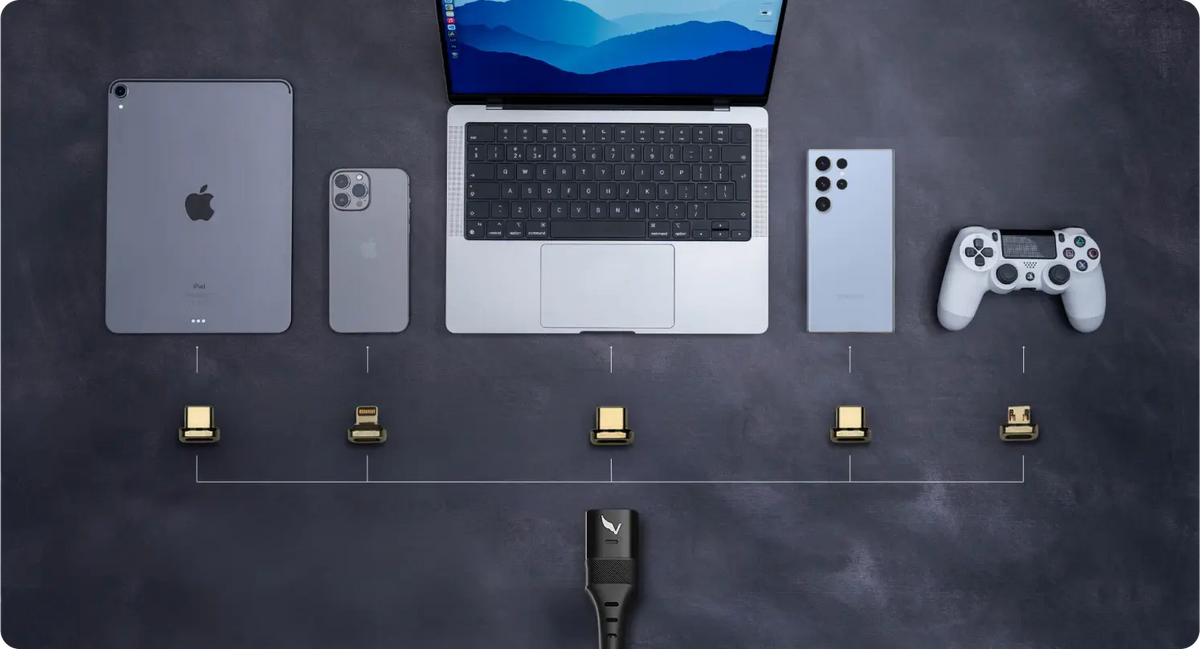
Consider the capacity (measured in mAh), the number of devices you plan to charge, and features like fast charging, size, and weight. A versatile option like the VoltaGo Max Power Bank can meet a range of needs with its 27,000 mAh capacity and convenient magnetic connection.
What’s the best way to store a power bank when not in use?
Store your power bank in a cool, dry place, and avoid leaving it fully charged or fully depleted for long periods. Keeping it at about 50% charge is ideal for long-term storage.

VoltaGo MAX - 27,000 mAh
27,000 mAh Airline-Safe Portable Power Bank VOLTAGO Max is a singular power system that will work with just about any...



6 comments
Ahmad Dan-Hamidu
I’ve been hearing and reading from the likes of phone battery management app-maker “AccuBattery”, Samsung Galaxy and even the electric vehicle division of Mercedes-Benz that the lifespan of Lithium-ion batteries can be extended and kept healthy if:
1. Used only within the 20% to 80% state-of-charge range. This means you shouldn’t allow it to discharge below 20% and should recharge it above 80% (85% in the case of Samsung Galaxy phone’s “battery protect” feature). It’s claimed that this range yields the least stress on the cells.
2. That when recharging, its best to recharge it in a single, uninterrupted charging session that starts from 20% all the way to 80% followed promptly by a disconnection from power source.
3. The least use (amount) of “fast-recharging” and/or “fast-discharging” also exerts the least stress on the cells and that the more “slow/normal charging/discharging” is used, the better for the cell’s health/longevity.
Please correct me where I have any misconceptions of what I’ve come across so far as I’m still learning about this fascinating tech. Thanks.
Leave a comment
This site is protected by hCaptcha and the hCaptcha Privacy Policy and Terms of Service apply.