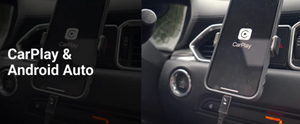



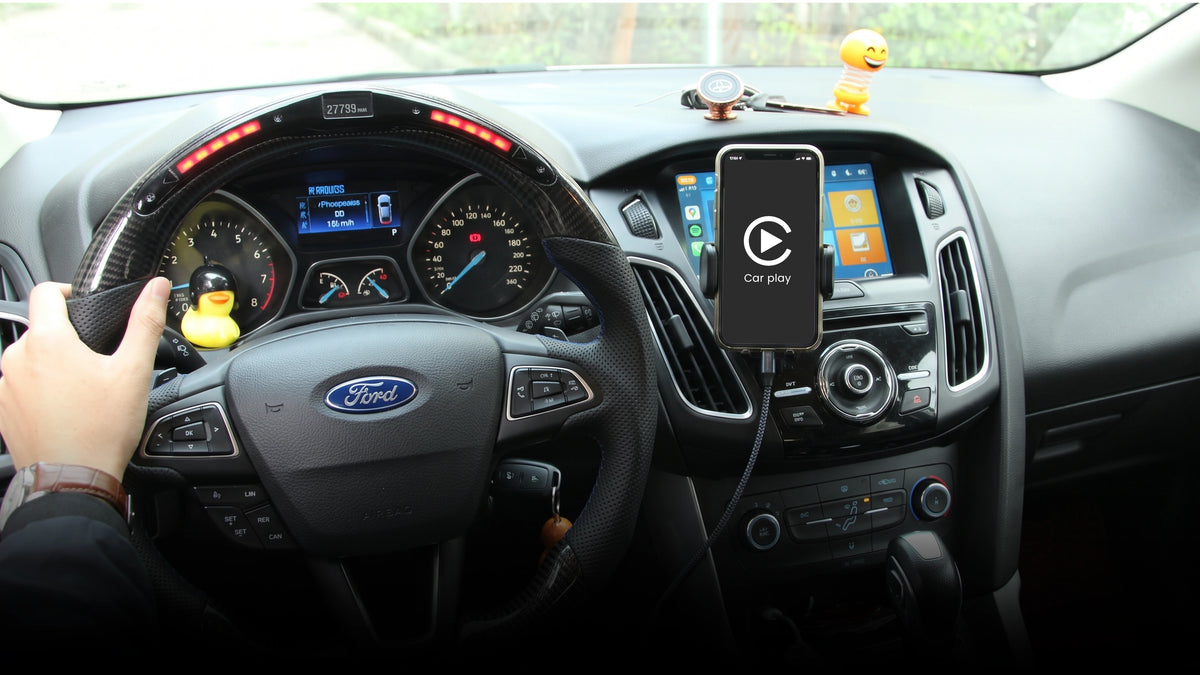
Before buying a cable, it is worth knowing this: on most of these Fords, USB-C is not the stock port, and a cable alone cannot make CarPlay work if the hub and SYNC software behind the port are not already set up for it. Here is what actually determines compatibility, and which cable to get once you know which setup you have.
Filtrera
What each model actually ships with
This changes by generation and trim, confirmed against Honda's documentation and Civic owner forums.
| Model | CarPlay Port Type | CarPlay Notes | |
|---|---|---|---|
| Fiesta (2017 to discontinuation) | USB-A | SYNC 3 added CarPlay support from the 2017 model year on, earlier SYNC 2 cars do not support it at all | |
| Focus (2017 to discontinuation) | USB-A | Same SYNC 3, 2017-plus requirement as Fiesta | |
| F-150 (2015 to 2020, SYNC 3) | USB-A and USB-C | USB-C is available only as a hub upgrade, and is not a fast charging upgrade on its own, the module is still capped around 5V | |
| F-150 (2021+, SYNC 4) | Varies by trim | Not independently confirmed for this page, check current model year specs before publishing |
How to tell which one you actually have
1. Check your SYNC version under Settings, General, About SYNC. If it reads 3.4 or higher and you have a USB-C port installed, you are set up for it.
2. If your port is still the original factory one, it is almost certainly USB-A, these trucks and cars did not ship with USB-C from the factory.
3. If CarPlay already works today over your current port, use a cable with that same connector, do not change anything to chase USB-C for its own sake, the stock hub is not a fast charger either way.
The part that actually matters: the hub, not just the port
Ford's SYNC system connects your phone through something it calls a Media Hub, a small module behind the dash that the visible USB port plugs into. On Fiesta, Focus, and F-150 models built before the USB-C era, that hub only recognizes USB-A. Swapping in a USB-C port without the matching hub and the right SYNC software version is a well documented way to end up with a "USB Not Supported" message and no CarPlay at all, confirmed repeatedly on Ford owner forums.
The cable to get
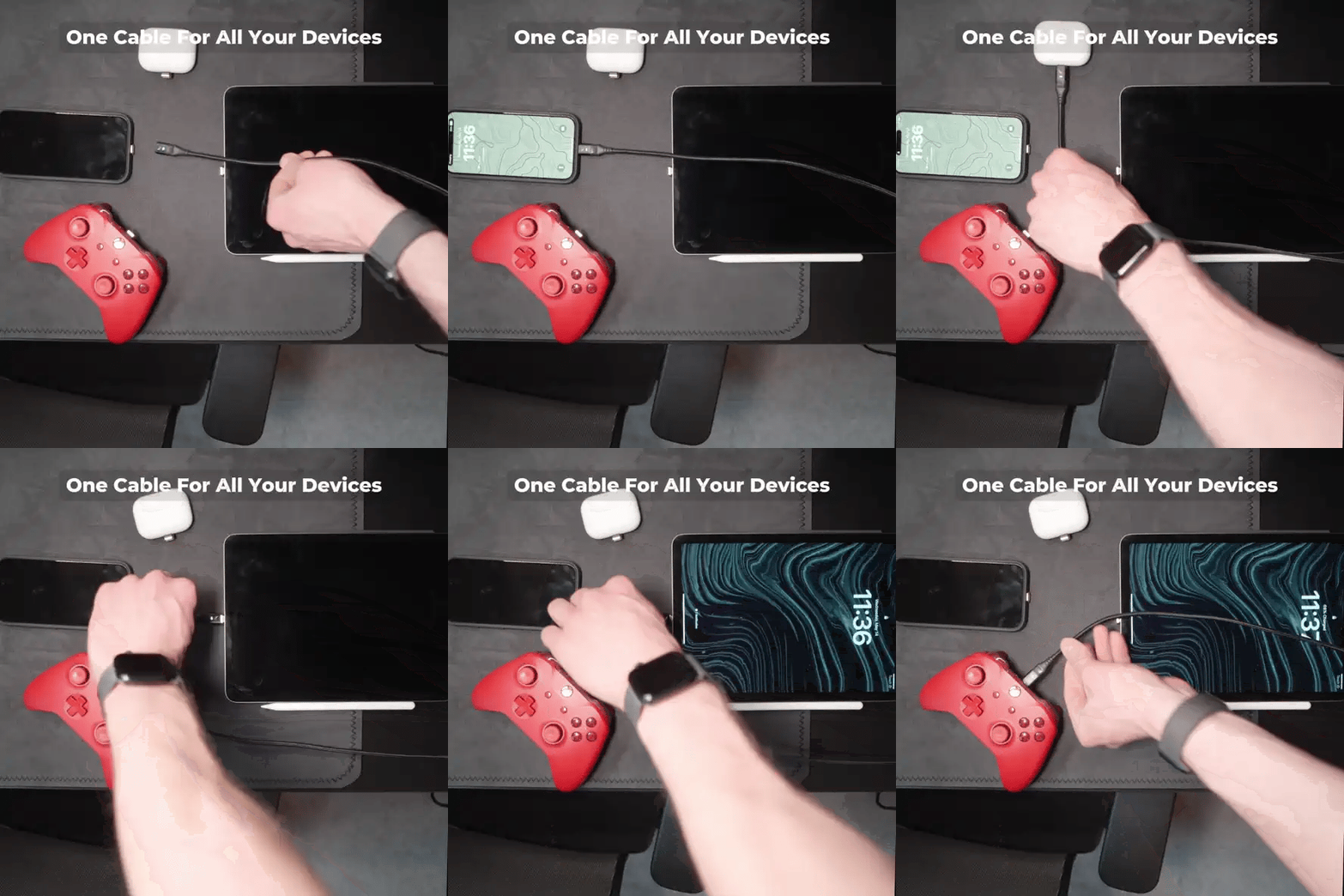
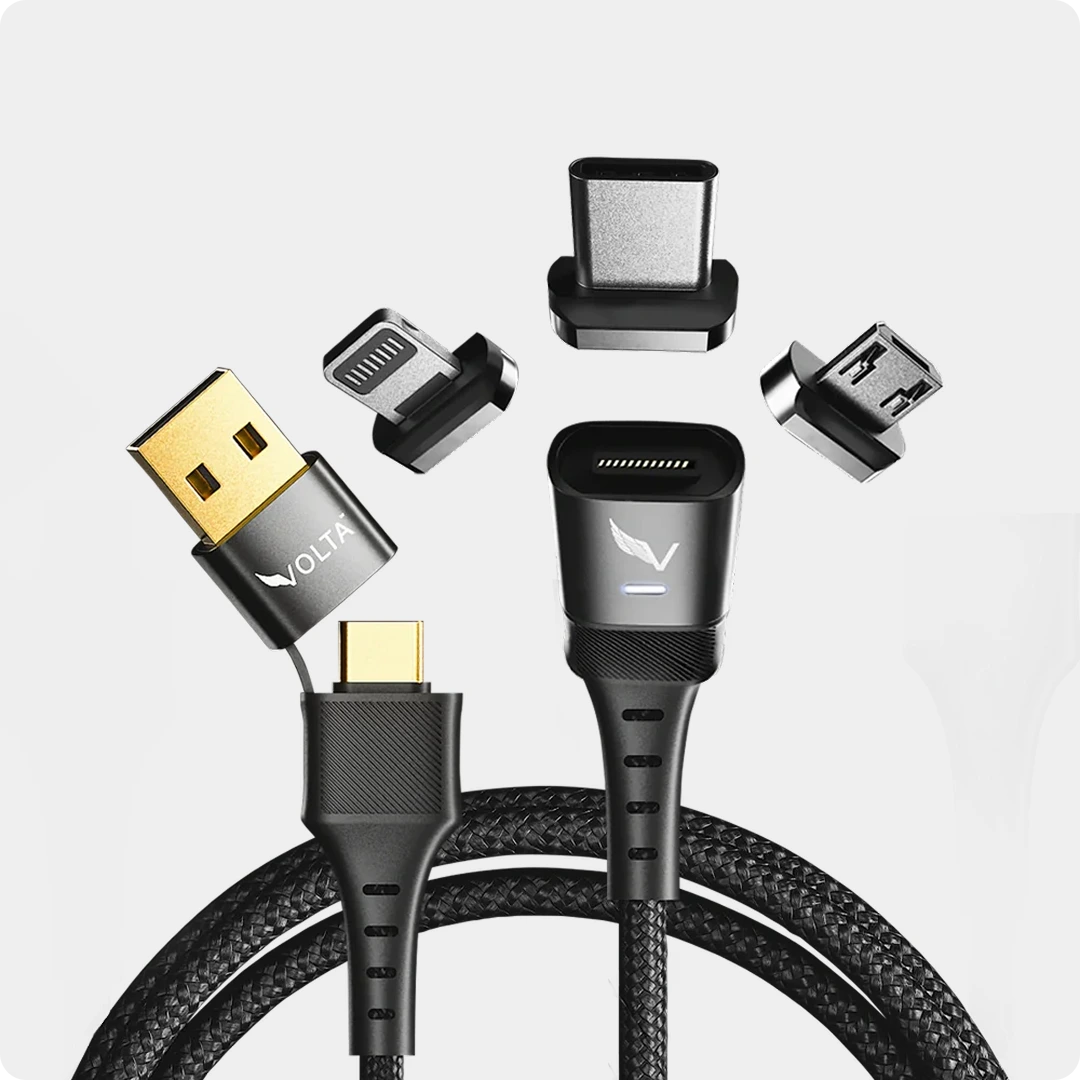
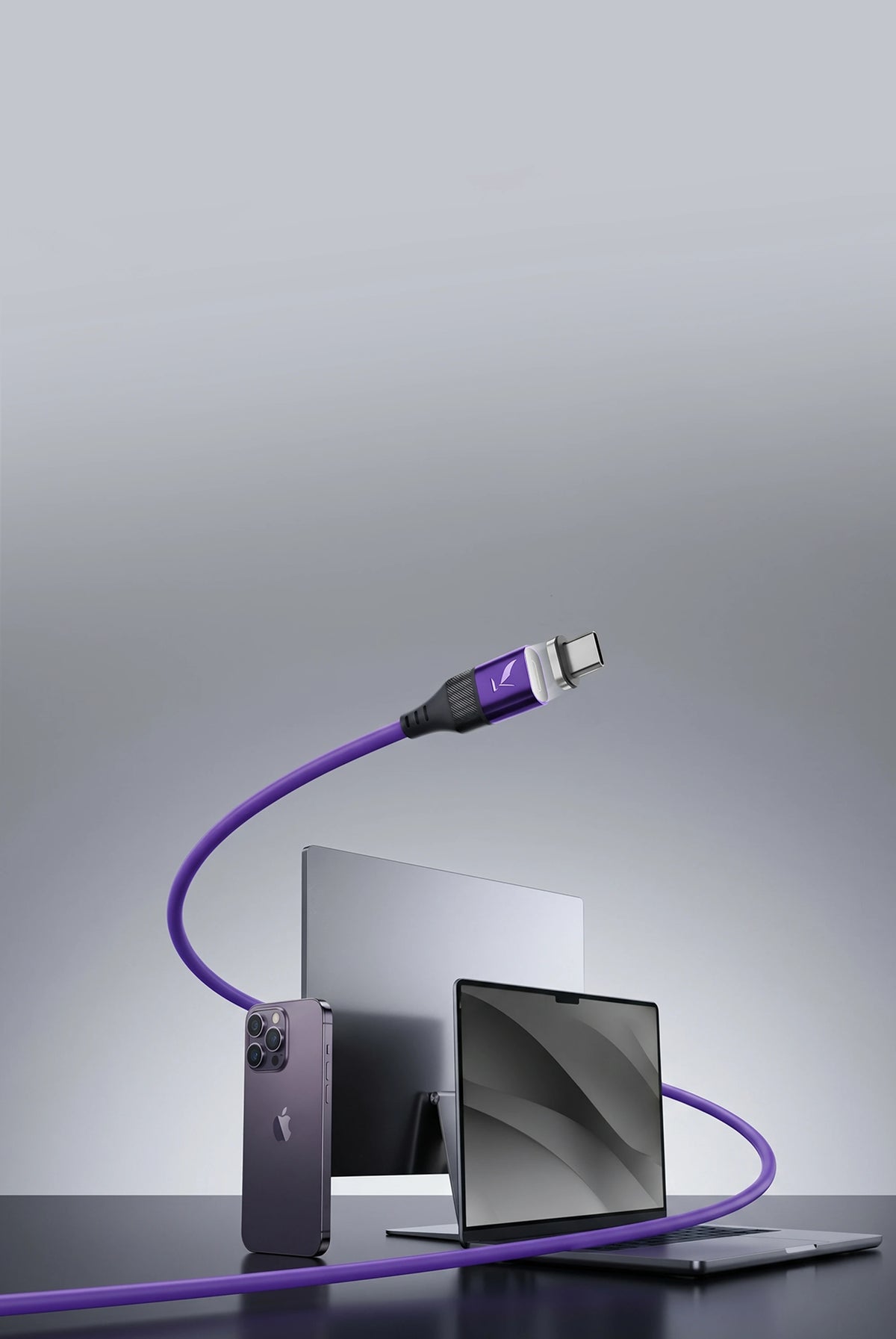
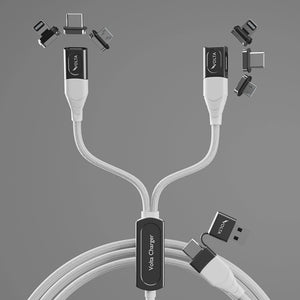
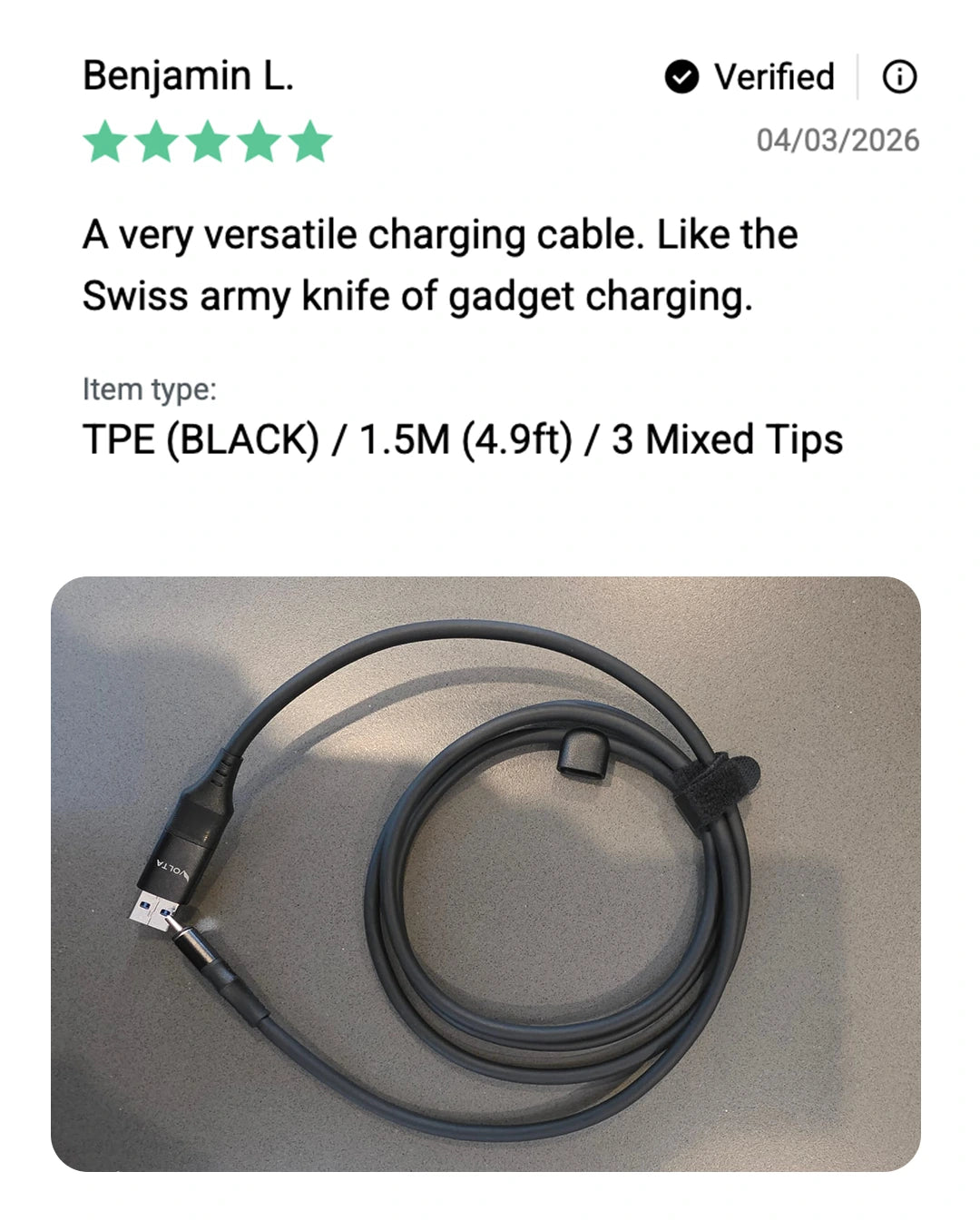
For the stock setup on the large majority of Fiestas, Focuses, and pre-2021 F-150s, that is USB-A. The Volta MAX Cable's magnetic tip system means the same cable covers an iPhone or Android device, you are not buying a separate cable for each phone in the house.
Why the connection feels worse over time
SYNC USB media hubs are a known failure point on these vehicles, loose connections and intermittent CarPlay drops are common complaints as the hub ages, separate from whatever cable is plugged into it. A magnetic tip does not fix a failing hub, but it does stop you from forcing a worn connector in and out of an already loose port every time you get in, which is the single most repeated kind of stress these ports see.
Volta Max owners are saying

Ford USB Cable FAQs
Can I just buy a USB-C cable and plug it into my Fiesta, Focus, or F-150?
Only if your vehicle already has a USB-C port installed. If the factory port is still USB-A, a USB-C cable will not fit, and if a USB-C hub was installed without the matching SYNC software update, CarPlay may not work even though the cable plugs in fine.
Does switching to USB-C make charging faster in these vehicles?
Not by itself. Forum reports and Ford's own replacement hub specs show the module is still limited to roughly 5V, so a USB-C port here is a connector shape change, not a speed upgrade.
Why did CarPlay stop working after I installed a USB-C hub?
This is a commonly reported issue, usually caused by SYNC not being updated to version 3.4, which is required for the system to recognize a USB-C module correctly.
Do Fiesta and Focus support CarPlay at all?
Only on SYNC 3 equipped cars from the 2017 model year forward. Earlier Fiestas and Focuses running SYNC 2 do not support CarPlay regardless of cable or port.