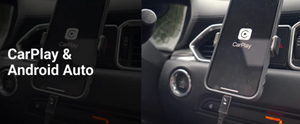



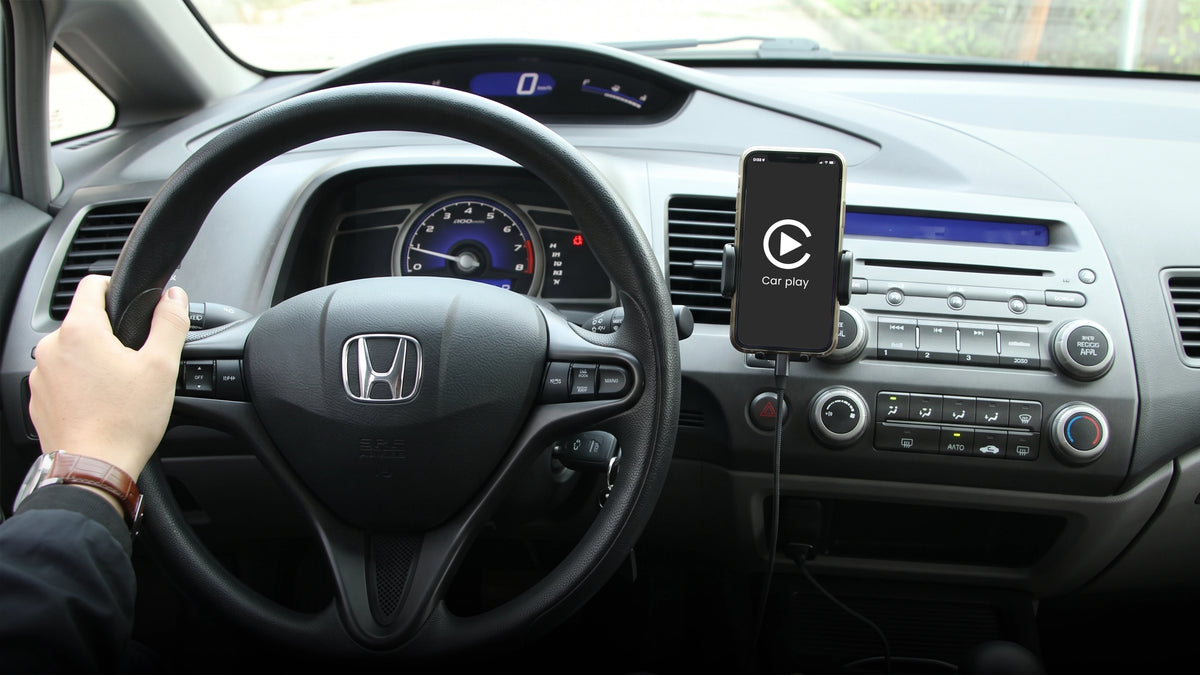
Not every USB port in a Civic runs CarPlay, and not every cable that fits the port will carry the signal. Here is which port to use, which cable actually works, and why CarPlay tends to drop out on an aging Civic.
Which port type your Civic actually has
This changes by generation and trim, confirmed against Honda's documentation and Civic owner forums.
| Civic | CarPlay Port Type | Notes | |
|---|---|---|---|
| 10th Gen (2016 to 2021) | USB-A | The higher amperage port (1.5A) is the CarPlay port, the lower one is charge and audio only | |
| 11th Gen LX / Sport (2022+) | USB-A | Lower trims ship with USB-A only, confirmed on 2023 and 2024 model years | |
| 11th Gen EX (2022+) | USB-A and USB-C | One of each, check which one is the Display Audio port before buying a cable | |
| 11th Gen Touring (2022+) | Mostly USB-C | Also includes wireless charging on this trim |
First, find the right port
Honda Civics often have two or three USB ports, and only one of them is wired for CarPlay. The others are charge only or audio only, Honda's own manuals label this explicitly: a 1.0A port for playing files and charging, and a separate 1.5A or 3.0A port, usually marked for Display Audio, that actually carries Apple CarPlay and Android Auto. Plugging into the wrong port is the single most common reason CarPlay will not connect at all, no cable fixes that.
The cable that fits most Civics
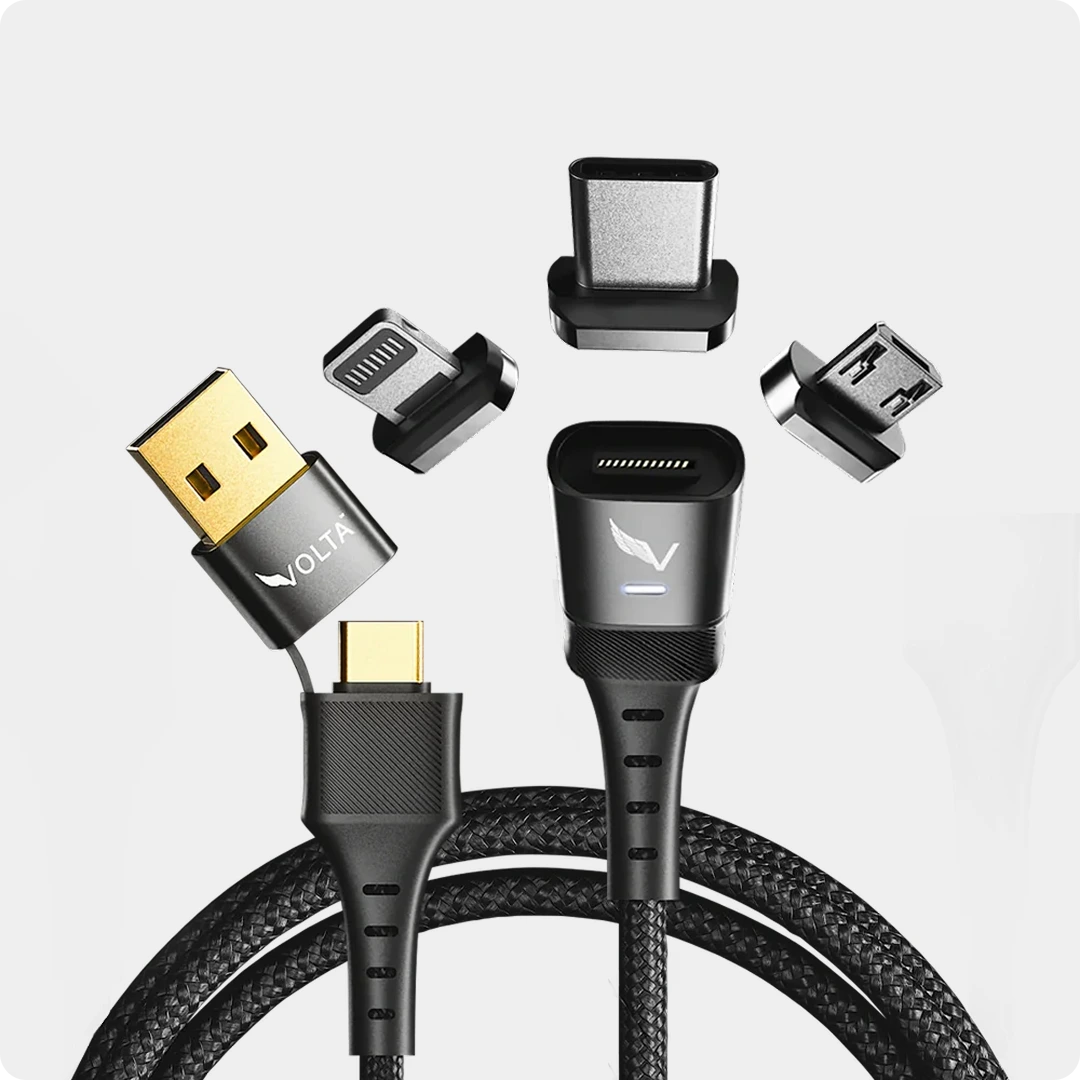
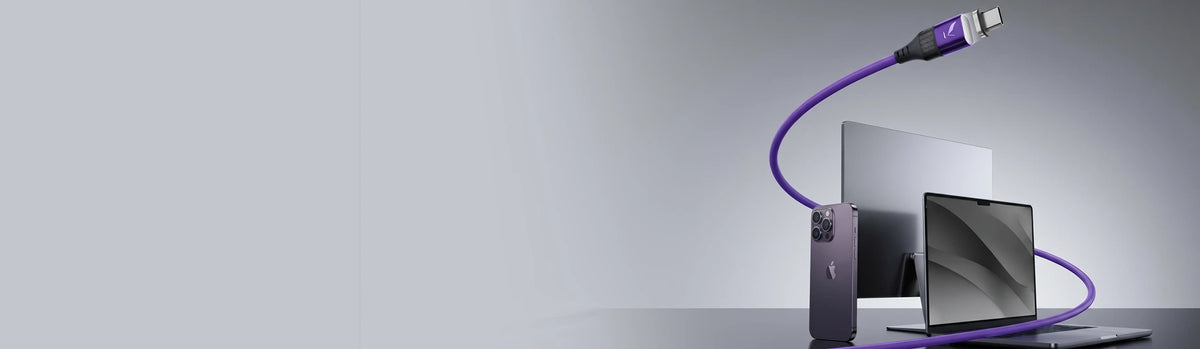
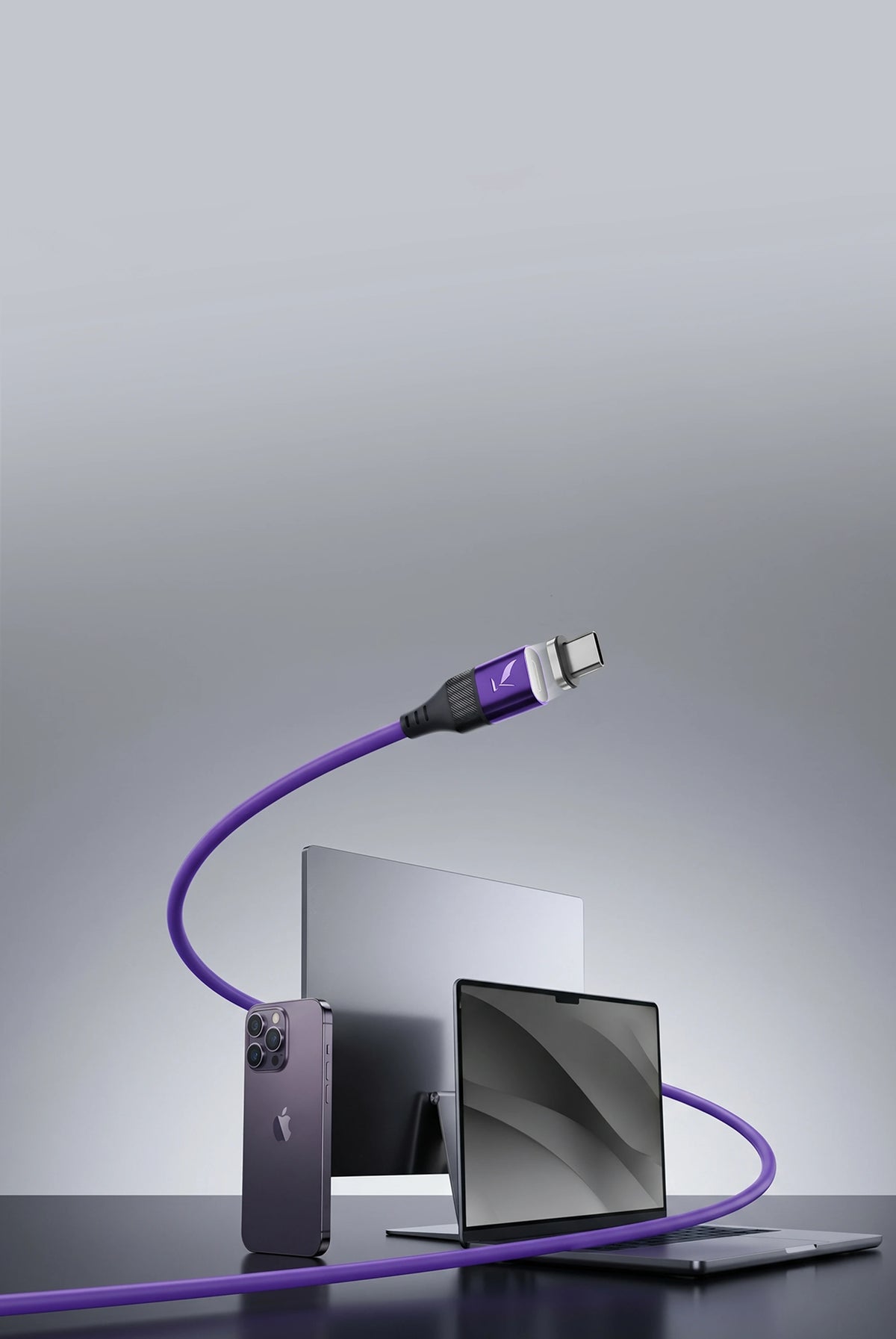
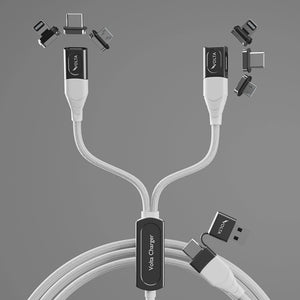
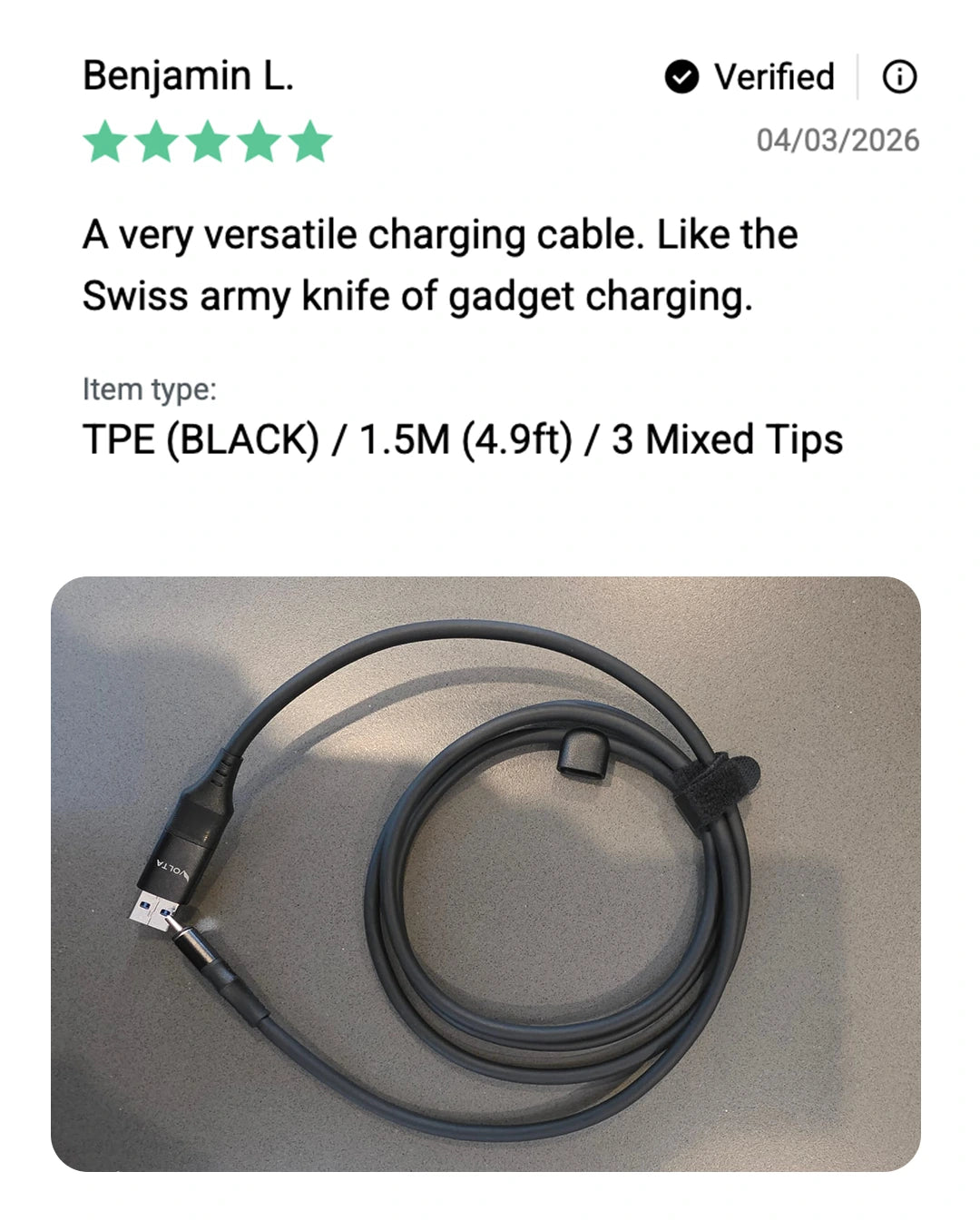
Since the large majority of Civics on the road, every 10th gen car and the lower trims of the 11th gen, run their CarPlay port through USB-A, the Volta MAX Cable's USB-A connector is the right starting point. The magnetic tip swaps between Lightning and USB-C, so the same cable covers an iPhone or an Android phone without buying two cables.
Why CarPlay keeps disconnecting on an older Civic
This is a documented, common complaint on 2017 to 2025 Honda and Acura models: the data port loosens from repeated plugging and unplugging, and CarPlay starts dropping the connection even with a good cable. It is a hardware wear issue, not a software bug, and it gets worse the longer a car is driven.
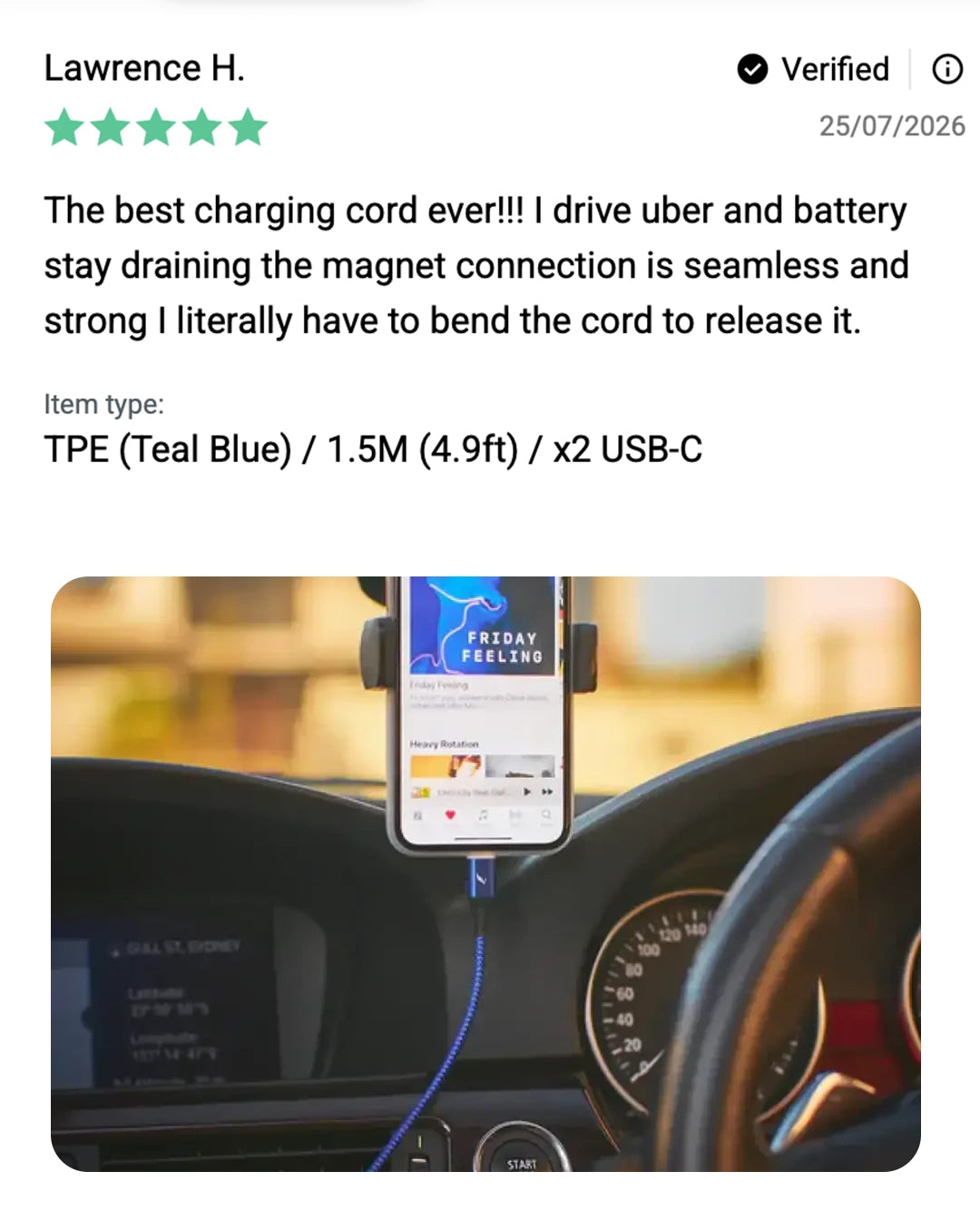
A magnetic connection does not stop the port from aging, but it removes the daily wear of forcing a connector in and out every time you get in the car. The magnetic tip stays seated, you are only breaking and remaking a magnetic joint, not the port itself.
Volta Max owners are saying

Honda Civic CarPlay Cable FAQs
Does a magnetic cable actually work for CarPlay?
Only if the cable carries a full data connection, not every magnetic cable does. Some budget magnetic cables are charging only and will never show the CarPlay icon no matter which port they are plugged into. Confirm the cable is rated for data transfer, not just power.
Why does my Civic show a USB icon but never CarPlay?
You are very likely in the wrong port. Civics with multiple USB ports usually have only one wired for Display Audio, the rest are charge or audio only and cannot run CarPlay regardless of cable quality.
Is USB-A or USB-C better for Civic CarPlay?
Neither is faster for CarPlay specifically, the protocol runs over USB 2.0 either way. Use whichever type your Civic's Display Audio port actually is, confirmed in the table above by generation and trim.
Can a bad cable cause CarPlay to disconnect randomly?
Yes, a worn or low-quality cable is a common cause of intermittent disconnects, alongside the loose data port issue common on older Civics. If disconnects happen with multiple cables, the port itself may be the problem, not any single cable.