





A GaN charger is worth buying when it solves a problem your current charger does not: insufficient power for a supported laptop, too few charging ports, or too many separate adapters in your bag. If your existing charger already charges your phone comfortably and fits your routine, keep it.
GaN describes a material used inside the charger, not a universal fast-charging mode. The useful upgrade is the combination of compatible output, practical ports and a format that suits your day. Here is how we would choose.
Should You Upgrade or Keep Your Current Charger?
| Your setup | Our recommendation | What you gain |
|---|---|---|
| One phone, with a working charger that meets your needs | Keep your current charger | No need to buy unused power or extra ports |
| A USB-C laptop that outgrows a low-output phone charger | Choose suitable laptop charging output | Power appropriate to the laptop, rather than a GaN label alone |
| A laptop and phone competing for one charger | Choose a multi-port charger with a suitable shared-output split | One wall connection for several devices |
| Several separate adapters in your travel bag | Consider a multi-port GaN setup | A chance to consolidate supported devices into one charging point |
| A laptop that needs a proprietary power supply | Keep its suitable supply unless the laptop also supports the alternative | Avoid buying a USB-C charger that cannot replace your connection |
| Slow charging caused by a damaged cable | Replace the cable, not automatically the charger | Fix the component that is limiting the setup |
GaN vs Regular Chargers: What Actually Changes?
GaN stands for gallium nitride, a semiconductor material used in power electronics. It enables efficient, high-frequency switching that can help designers build compact chargers with substantial power output. Traditional chargers commonly use silicon components.
That makes GaN useful for a portable laptop or multi-device charger, but the material does not decide every feature. Port count, charging protocols, input voltage, dimensions and power sharing belong to the particular charger design.
| Buying question | What matters in practice |
|---|---|
| Will GaN charge my phone faster? | Only if the new setup supplies a compatible charging mode or output the old setup could not provide |
| Will it take less space? | Compare the actual charger and the adapters it can replace; not every GaN model is smaller than every silicon model |
| Will it stay cold? | No. GaN chargers can still become warm under load |
| Will it charge several devices? | Choose a model with the right ports and shared-power arrangement |
| Will it work abroad? | Travel suitability comes from supported mains input and plug arrangements, not the GaN label |
Our recommendation is simple: buy the charging capability and convenience you need. Do not replace a suitable charger just to change the semiconductor inside it.
Where Our 140W Giga GaN Fits
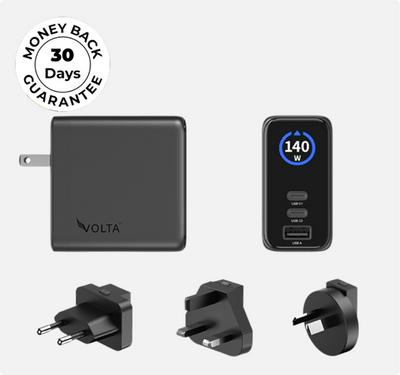
Choose our 140W Giga GaN Charger when you want a wall charging point for supported USB-C laptop use and other devices. It has two USB-C ports and one USB-A port, with a display for charging information.


140W Giga GaN Charger
€100,52
140W 3-Port GaN Charger - the mini charger with mighty power. Charge via two USB Type-C® and one through USB Type-A. Perfect for charging smartphones, ...
It is a stronger fit for a shared desk or a multi-device travel kit than for someone replacing an adequate phone-only charger. It is a wall charger, not a power bank: you need a suitable mains socket to use it.
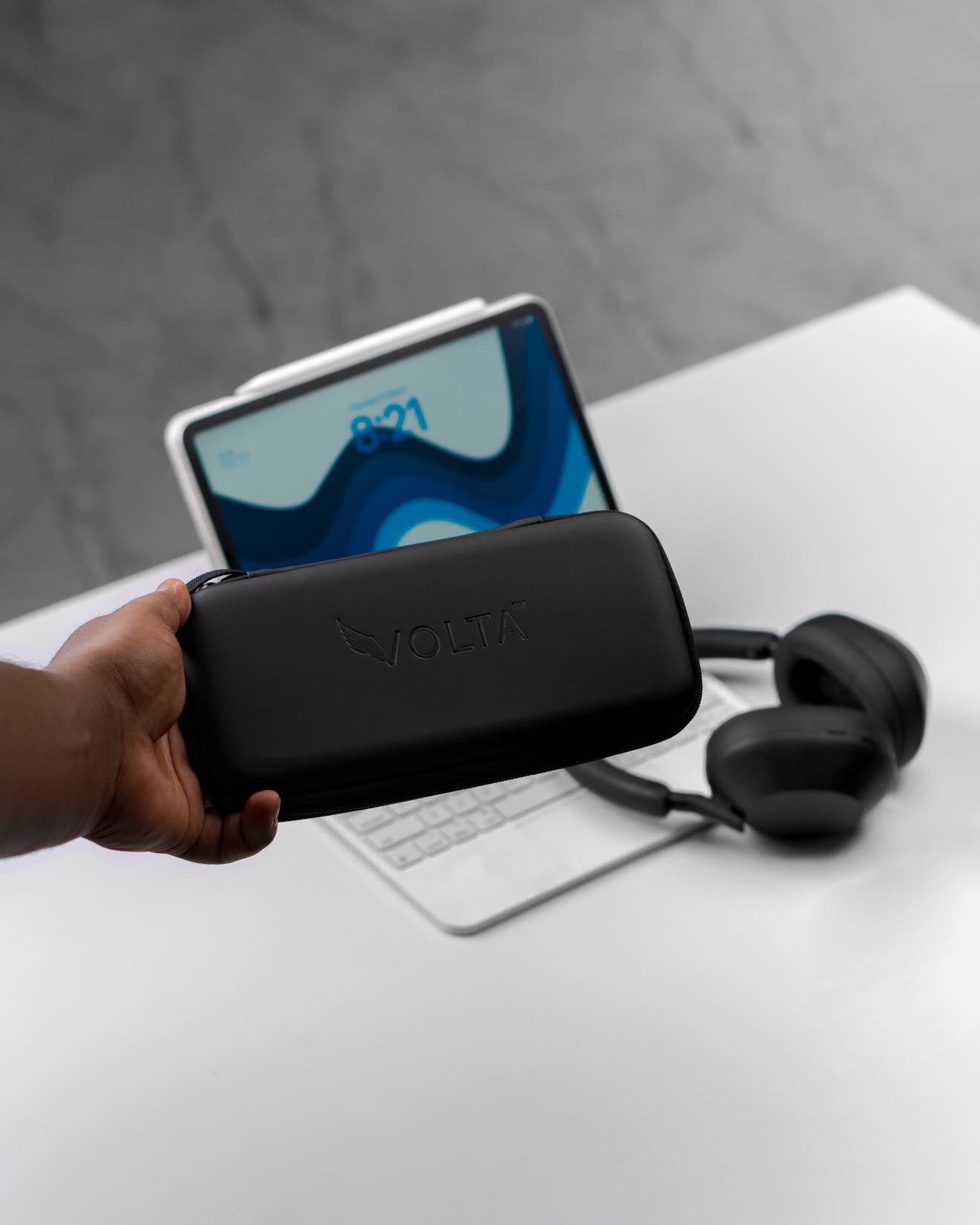
See the product-gallery unboxing

Shop the 140W Giga GaN Charger
Understand Single-Port Power Before Choosing Your Setup
The largest wattage printed on a charger is not the output of every port at once. On Giga GaN, either USB-C port supports up to 140W when used alone. The USB-A port supports up to 18W when used alone. Connected equipment and the cable determine the power actually received.
For a supported high-power USB-C laptop, the single-port arrangement gives the most available power to that connection. A phone does not draw 140W simply because the charger has that capacity.
What happens when you connect more devices?
Giga GaN uses different output allocations depending on which ports are connected. This is the part of the specification that matters when choosing one charger for a laptop and phone.

| Ports in use | Available allocation | What it means for your setup |
|---|---|---|
| USB-C1 only, or USB-C2 only | Up to 140W on the connected USB-C port | Prioritise one supported high-power device |
| USB-C1 and USB-C2 | Up to 100W on C1 and 35W on C2 | Use C1 for the higher-demand device |
| One USB-C port and USB-A | Up to 100W on USB-C and 18W on USB-A | A USB-C device alongside a suitable USB-A accessory |
| All three ports | Up to 65W on C1, 45W on C2 and 18W on USB-A | Three connections, with less power available to the primary laptop than in single-port mode |
For example, if your laptop needs more than 65W for your workload, the all-three-port arrangement is not equivalent to giving it the charger alone. Choose the configuration around the device that needs the most power, rather than filling every port by default.
Choose Your Giga GaN Charging Setup
A Display Adds Context, Not Extra Charging Speed
Giga GaN's display lets you view port-specific charging information, usage duration and a temperature indication. Use it to understand the connected setup rather than treating the charger rating as the wattage every device should always receive.

The illustration shows the information available on the display. Actual readings depend on the connected devices and their charging state.
Power can fall as a battery fills, and a device may draw less when it does not need the maximum available output. A lower reading by itself is not a reason to buy another charger.
Choose the Cable for the Connection, Not Just the Charger
A charger upgrade cannot remove a cable's power limit or replace a connection your device does not support. For high-power USB-C use, the complete charger, cable and device combination must support the required charging mode. A cable's maximum rating is a ceiling, not a promise that the device will charge at that rate.
Choose MAX for interchangeable magnetic tips
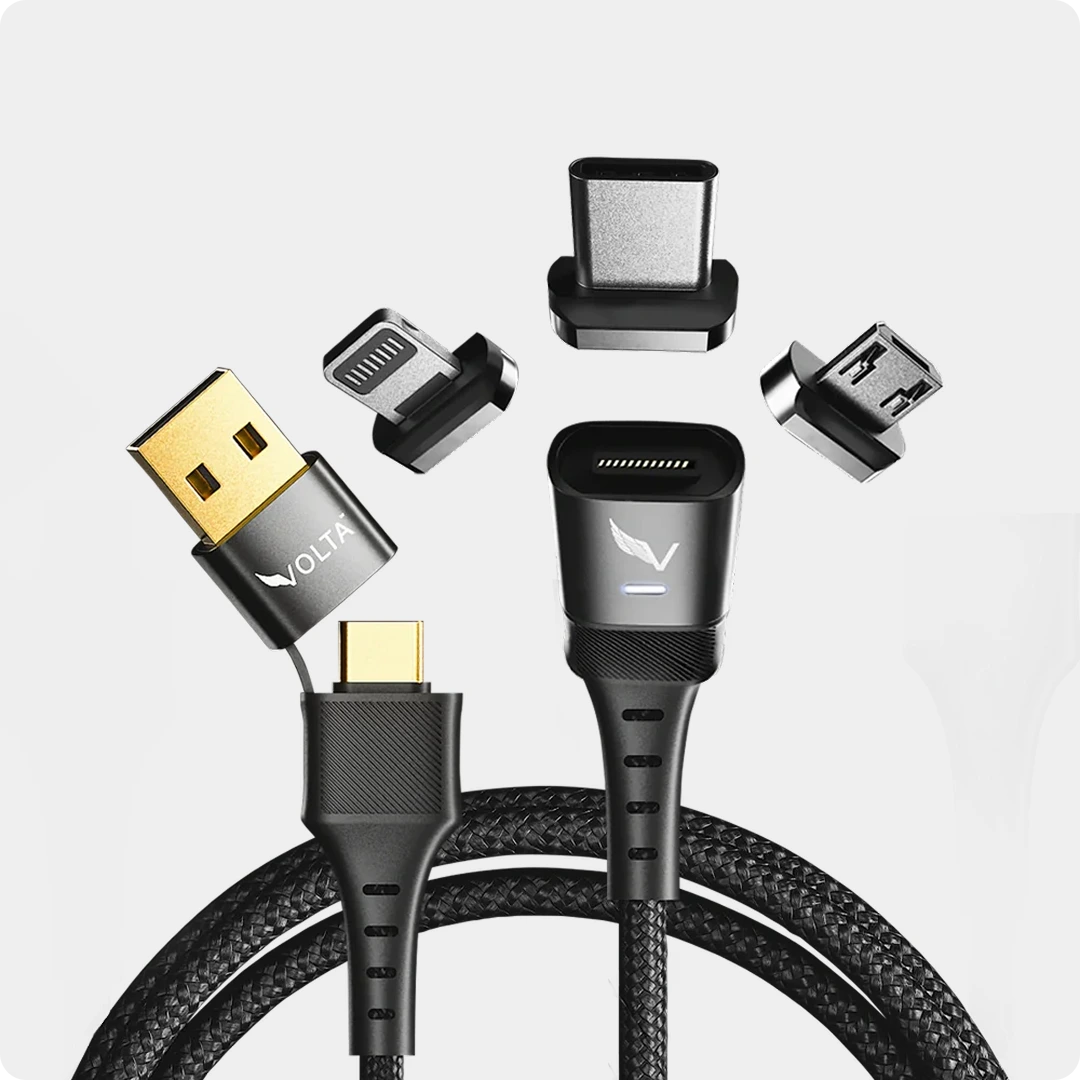
Our Volta MAX 240W Cable is the magnetic option when you want interchangeable tips and a choice of length. Choose the tips for your equipment, including USB-C for compatible USB-C charging and Lightning for Lightning devices.

The 0.5m option suits nearby equipment; choose 1.5m when you need more reach from the charging point. One cable charges one wired device at a time, even when it has several interchangeable tips.
Choose Zero for a short direct USB-C connection
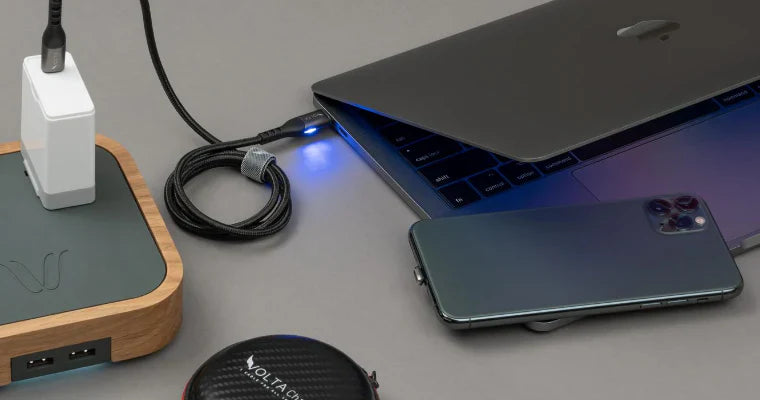
Volta Zero 240W is the short USB-C-to-USB-C option for devices close to the power source. Choose it when the short reach suits the layout; choose a longer cable when the wall socket is farther away.

A nearby socket and a supported surface for the phone make a short cable practical. This image illustrates Zero's wall-charging layout; the pictured charger is not Giga GaN.
Keep an existing suitable cable if it already supports your setup. These are connection choices, not compulsory extras with a GaN charger.
When a GaN Upgrade Makes Travel Easier
A multi-port charger is useful when it replaces separate adapters for supported equipment. Pack cables for the devices you will charge together, and plan around the shared-output split rather than expecting each device to receive the single-port maximum.
For US, UK, Australian and European travel, plug fit and mains-input support are separate from charging wattage. Use the plug arrangement for your destination and a charger whose input supports the local supply. GaN itself does not make an adapter universal.
The unboxing and product image above show Giga GaN's plug attachments. Choose the destination-appropriate attachment rather than packing unrelated adapters. For the wider kit, our travel charging-kit guide explains how wall power, cables and portable reserve fit together.
Our Buying Recommendation
Keep your current charger if it meets your device needs and daily routine. Choose Giga GaN when its USB-C output, three-port arrangement and charging display solve a genuine desk or travel problem. Choose cables by connection type and reach, and leave working suitable cables in service.
Explore the 140W Giga GaN Charger
Frequently Asked Questions
Is a GaN charger better than a regular charger?
GaN can enable compact, high-power designs. The better purchase is the charger that provides the compatible output, ports and physical format you need. A suitable charger you already own does not become inadequate because it uses silicon.
Will a 140W charger make my phone charge at 140W?
No. The phone draws power according to its supported charging modes and current needs. Extra available wattage is useful for supported higher-power devices or shared charging, not a guarantee of faster phone charging.
Can Giga GaN deliver 140W to a laptop while charging two other devices?
No. Its three-port allocation is up to 65W on C1, 45W on C2 and 18W on USB-A. Single-port USB-C charging supports up to 140W for a compatible setup.
Do I need a 140W charger for one phone?
Not simply because it has a higher number. Keep a suitable phone charger unless you want a specific additional benefit, such as more ports or a shared laptop charging setup.
Does GaN guarantee Samsung's fastest charging mode?
No. Device-specific fast charging depends on the phone model, supported charging protocol and cable. The GaN label and headline wattage alone do not establish support for a particular Samsung mode.
Do GaN chargers still get warm?
Yes. GaN is not a promise of a cold enclosure. Use the charger in a ventilated position according to its operating instructions, not covered by bedding or packed away while running.
Can I replace any laptop charger with Giga GaN?
No. It suits supported USB-C charging setups. A proprietary connection or a laptop power requirement outside the available arrangement needs its suitable power supply.
Should I buy MAX or Zero with it?
Choose MAX for interchangeable magnetic tips and length options. Choose Zero for a short direct USB-C connection. Keep your existing cable if it already meets your needs.

140W Giga GaN Charger
140W 3-Port GaN Charger - the mini charger with mighty power. Charge via two USB Type-C® and one through USB Type-A. ...



Leave a comment
This site is protected by hCaptcha and the hCaptcha Privacy Policy and Terms of Service apply.