





Filtrera




How to Choose the Right MacBook Charger
By model: MacBook Air (M1–M3) charges on 30–70W. 14" MacBook Pro needs 67–96W. 16" MacBook Pro needs up to 140W for full-speed charging under load.
USB-C PD: All current MacBooks charge over USB-C using the PD standard—the same protocol Apple's own chargers use.
MagSafe vs. USB-C: MagSafe charges just as fast but uses one port. USB-C keeps both Thunderbolt ports free.
GaN vs. Apple's charger: GaN achieves the same wattage in a noticeably smaller, cooler-running body.
Multi-device: A multi-port GaN charger fast-charges your MacBook and iPhone from the same outlet.
Why Choose a Volta Charger for MacBook?
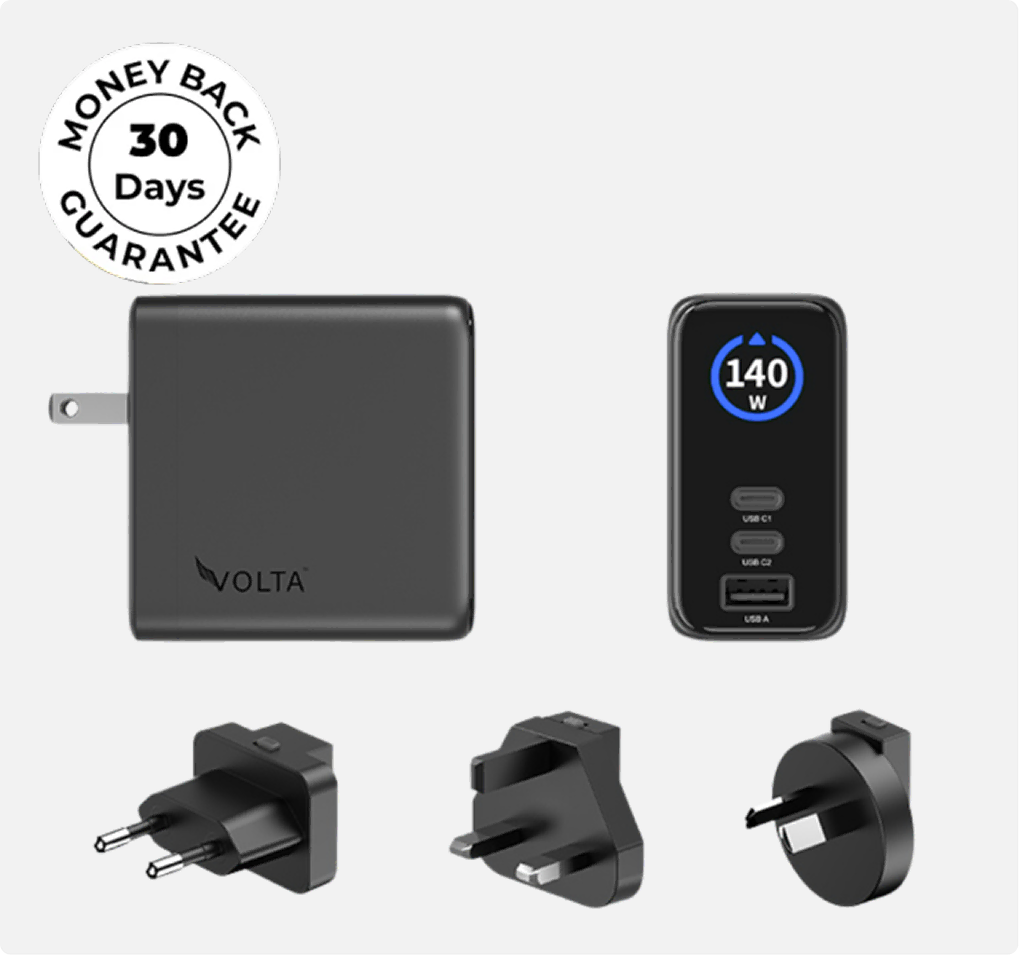
Matches Apple's charging speed — full USB-C PD support up to 140W
Smaller GaN design — noticeably more compact than Apple's charger
Multi-device charging — MacBook, iPhone, and iPad from one brick
Better value — same charging performance at a lower price than Apple's charger
Active thermal protection — continuous monitoring during high-wattage charging
FAQ about MacBook Chargers
What wattage does my MacBook need?
MacBook Air: 30–70W. 14" MacBook Pro: 67–96W. 16" MacBook Pro: up to 140W for full speed under load.
Can I charge MacBook and iPhone together?
Yes, with a multi-port charger. Each port negotiates power independently, so both devices charge at full speed simultaneously.
Is MagSafe faster than USB-C charging?
No. MagSafe and USB-C charge at the same speed on MacBooks. MagSafe just uses one dedicated port; USB-C keeps both Thunderbolt ports free.
Will a higher-wattage charger damage my MacBook?
No. MacBooks negotiate their own charging rate with USB-C PD chargers, so a higher-wattage charger means more headroom, not more power forced into the device.
Can I use a third-party charger safely?
Yes, as long as it's USB-C PD certified. Any certified PD charger will charge your MacBook correctly at full speed.


