





How Long Does It Take to Charge an iPhone?
Most modern iPhones take about 1.5 to 2 hours to charge from 0% to 100% when using a compatible 20W USB-C Power Delivery (PD) charger. Older 5W chargers can take 3 to 4 hours, while MagSafe wireless charging usually takes around 2.5 to 3 hours, depending on the iPhone model and charging conditions. Apple also states that compatible iPhones can reach 50% charge in around 30 minutes when paired with a suitable fast charger.
iPhone Charging Times by Charging Method
| Charging Method | Time to 50% | Time to 100% | Best For |
|---|---|---|---|
| 5W Apple Charger | About 1.5 hours | 3–4 hours | Overnight charging |
| 20W USB-C Fast Charger | Around 30 minutes | 1.5–2 hours | Everyday use |
| 30W USB-C Charger | Around 30 minutes | 1.5–2 hours | Larger iPhones and iPads |
| MagSafe Wireless | Around 45–60 minutes | 2.5–3 hours | Convenient desk or bedside charging |
| Qi Wireless Charger | Around 1 hour | 3–4 hours | Casual wireless charging |
Why Charging Times Aren't Always the Same
Even if two people own the same iPhone model, their charging times may be different. Battery health, charger wattage, cable quality, background activity, battery temperature, and wireless versus wired charging all affect how quickly an iPhone charges. As the battery approaches full capacity, iOS intentionally reduces charging speed to minimize heat and extend battery lifespan.
How Long Does It Take to Charge Each iPhone Model?
While most modern iPhones support fast charging, the exact charging time varies slightly depending on the model, battery capacity, and the charger you're using. The table below shows the typical charging times when using a compatible 20W USB-C Power Delivery charger, which Apple recommends for fast charging.
| iPhone Model | Battery Capacity | Time to 50% | Time to 100% |
|---|---|---|---|
| iPhone SE (2nd & 3rd Gen) | ~2,000 mAh | ~30 mins | 1.5 hours |
| iPhone 11 | 3,110 mAh | ~30 mins | 2 hours |
| iPhone 11 Pro / Pro Max | 3,046–3,969 mAh | ~30 mins | 2 hours |
| iPhone 12 Series | 2,815–3,687 mAh | ~30 mins | 1.5–2 hours |
| iPhone 13 Series | 2,406–4,352 mAh | ~30 mins | 1.5–2 hours |
| iPhone 14 Series | 3,279–4,323 mAh | ~30 mins | 1.5–2 hours |
| iPhone 15 Series | 3,349–4,422 mAh | ~30 mins | 1.5–2 hours |
| iPhone 16 Series | Varies by model | ~30 mins | 1.5–2 hours |
| iPhone 17 Series* | Expected similar fast charging performance | ~30 mins | Around 2 hours |
Why Do Larger iPhones Take Longer to Charge?
Larger iPhone models, such as the Pro Max versions, have bigger batteries than standard models. Although they support fast charging, the additional battery capacity means they generally take a little longer to reach 100%. However, Apple optimizes charging so that most compatible iPhones still reach around 50% charge in about 30 minutes when paired with a suitable fast charger.
Does a Bigger Charger Charge Faster?
Not necessarily. Most modern iPhones are designed to draw only the amount of power they need. For example, using a 30W, 45W, or even 100W USB-C charger won't force your iPhone to charge significantly faster than a 20W charger. The phone automatically limits power intake to protect the battery and maintain safe charging temperatures.
Why Is My iPhone Charging So Slowly?
If your iPhone suddenly takes much longer to charge than expected, the charger isn't always to blame. Charging speed depends on several factors, including the charger, cable, battery temperature, battery health, and even what your iPhone is doing while it's plugged in. Before replacing your charger, check these common causes.
1. You're Using a Low-Wattage Charger
Older 5W USB chargers can take more than three hours to fully charge many modern iPhones. Switching to a USB-C Power Delivery charger can reduce charging time significantly and allow compatible iPhones to reach around 50% charge in about 30 minutes.
2. Your Charging Cable Is Limiting Speed
A damaged, worn-out, or low-quality charging cable can slow charging or interrupt power delivery altogether. Using a certified, high-quality USB-C or Lightning cable helps ensure your iPhone receives stable power throughout the charging cycle.

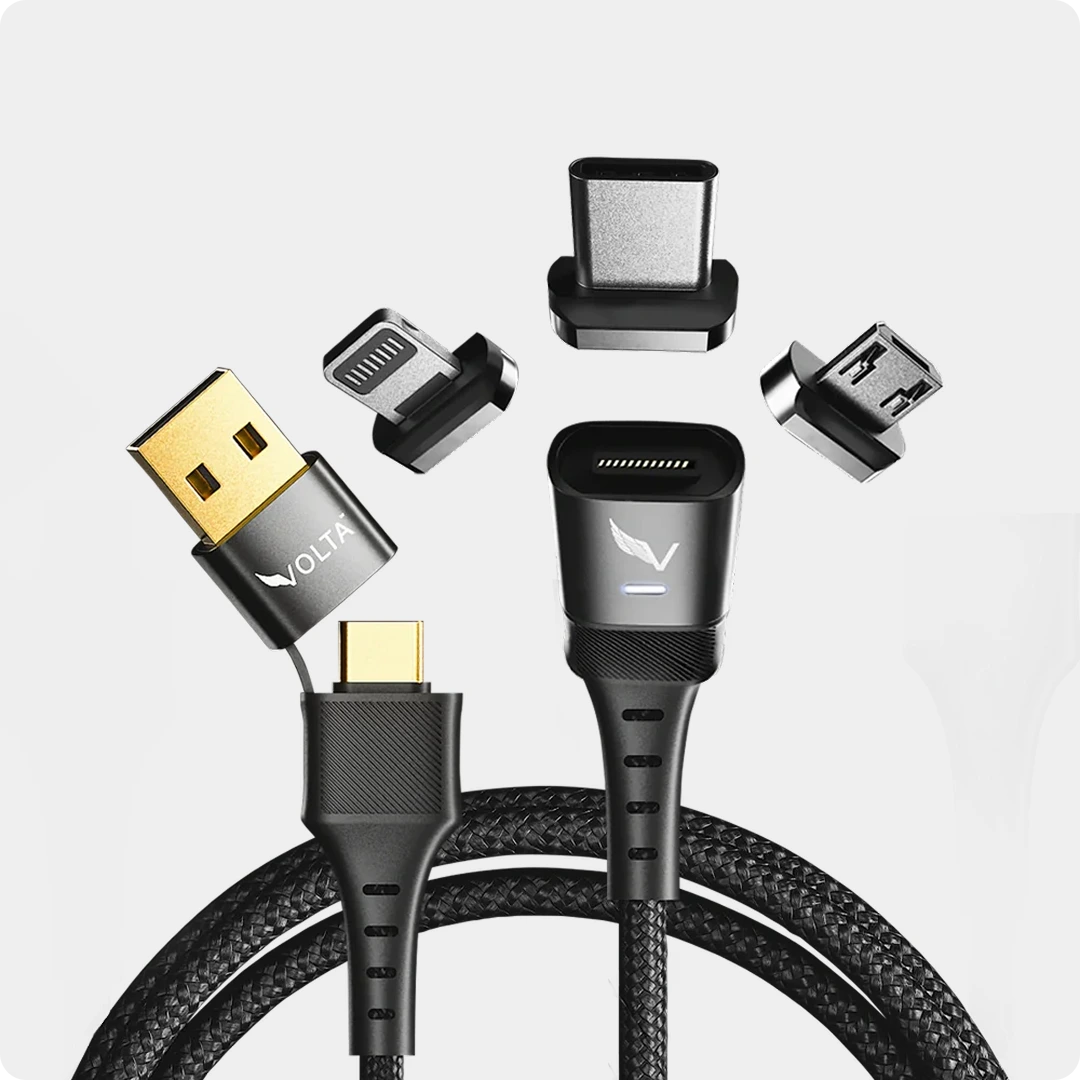
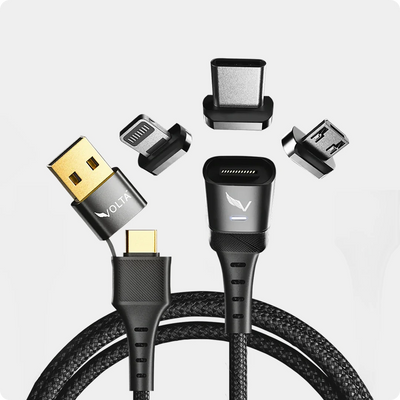
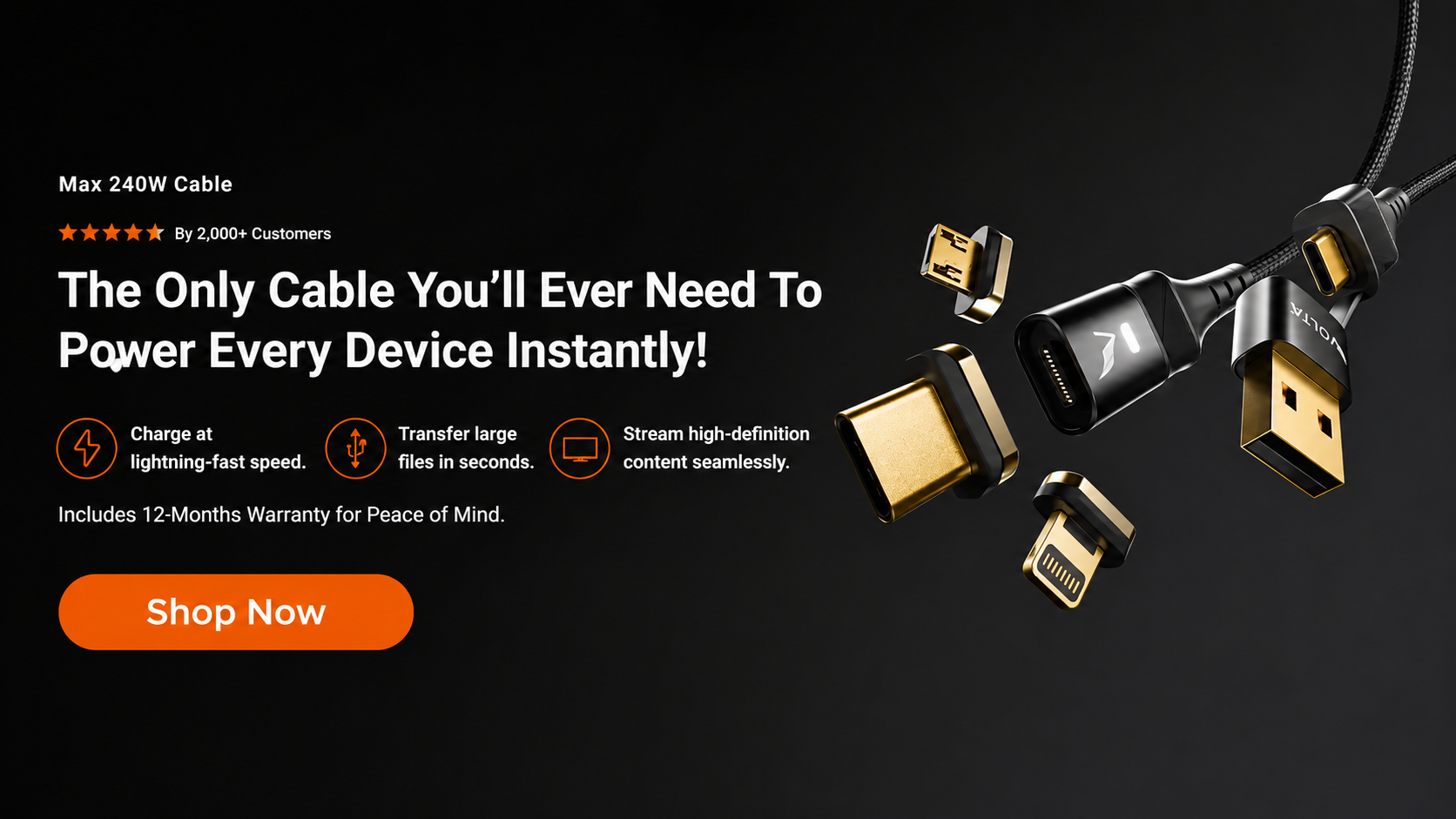
Volta MAX Cable
$50.00
✅ Easy Magnetic Connection ✅ Snap to Charge Your Phone, Laptop, and More ✅ Charges ALL Apple Lightning, USB-C & Micro USB Devices ✅ Supports ...
3. Your iPhone Is Too Hot
Heat is one of the biggest factors affecting charging speed. If your iPhone becomes too warm while charging, iOS automatically reduces charging power to protect the battery. Removing thick cases, avoiding direct sunlight, and charging in a cooler environment can help restore normal charging speeds.
4. Optimized Battery Charging Is Active
If your iPhone regularly stays plugged in overnight, you may notice charging slowing down after 80%. This is a feature called Optimized Battery Charging, which pauses charging until it's closer to when you normally unplug your phone. It's designed to reduce battery aging and extend long-term battery health.
5. Apps Are Using Power While Charging
Gaming, video calls, GPS navigation, and other demanding apps can consume power almost as quickly as your charger supplies it. Closing unnecessary apps or leaving the screen off while charging can noticeably reduce charging time.
6. Dirt or Debris in the Charging Port
Pocket lint and dust can prevent the charging cable from making a solid connection. If your iPhone charges intermittently or disconnects easily, carefully inspect and clean the charging port using a soft, non-metallic tool or compressed air.
7. Your Battery Health Has Declined
As lithium-ion batteries age, they become less efficient. An older battery may take longer to charge and may not hold power as well as it once did. You can check your battery's condition by going to Settings → Battery → Battery Health & Charging.
Quick Troubleshooting Checklist
| Problem | Likely Cause | What to Do |
|---|---|---|
| Charging takes more than 3 hours | 5W charger | Upgrade to a 20W USB-C charger |
| Charging keeps disconnecting | Faulty cable or dirty port | Replace the cable or clean the port |
| Charging slows after 80% | Optimized Battery Charging | Normal behavior |
| Phone gets hot while charging | High temperature | Let it cool and remove thick cases |
| Fast charging isn't working | Incompatible charger or cable | Use a compatible USB-C PD charger and quality cable |
How to Charge Your iPhone Faster
- Use a high USB-C Power Delivery charger.
- Use a high-quality charging cable.
- Charge with the screen off whenever possible.
- Avoid charging in hot environments.
- Use wired charging instead of wireless when speed matters.
Do iPhones Come with a Charger?
In recent years, Apple has stopped including chargers in the box for environmental reasons. New iPhones come with a USB-C to Lightning cable, but you’ll need to buy a wall adapter separately if you don’t already have one. Luckily, most chargers from other Apple products, like iPads or MacBooks, are compatible with iPhones.
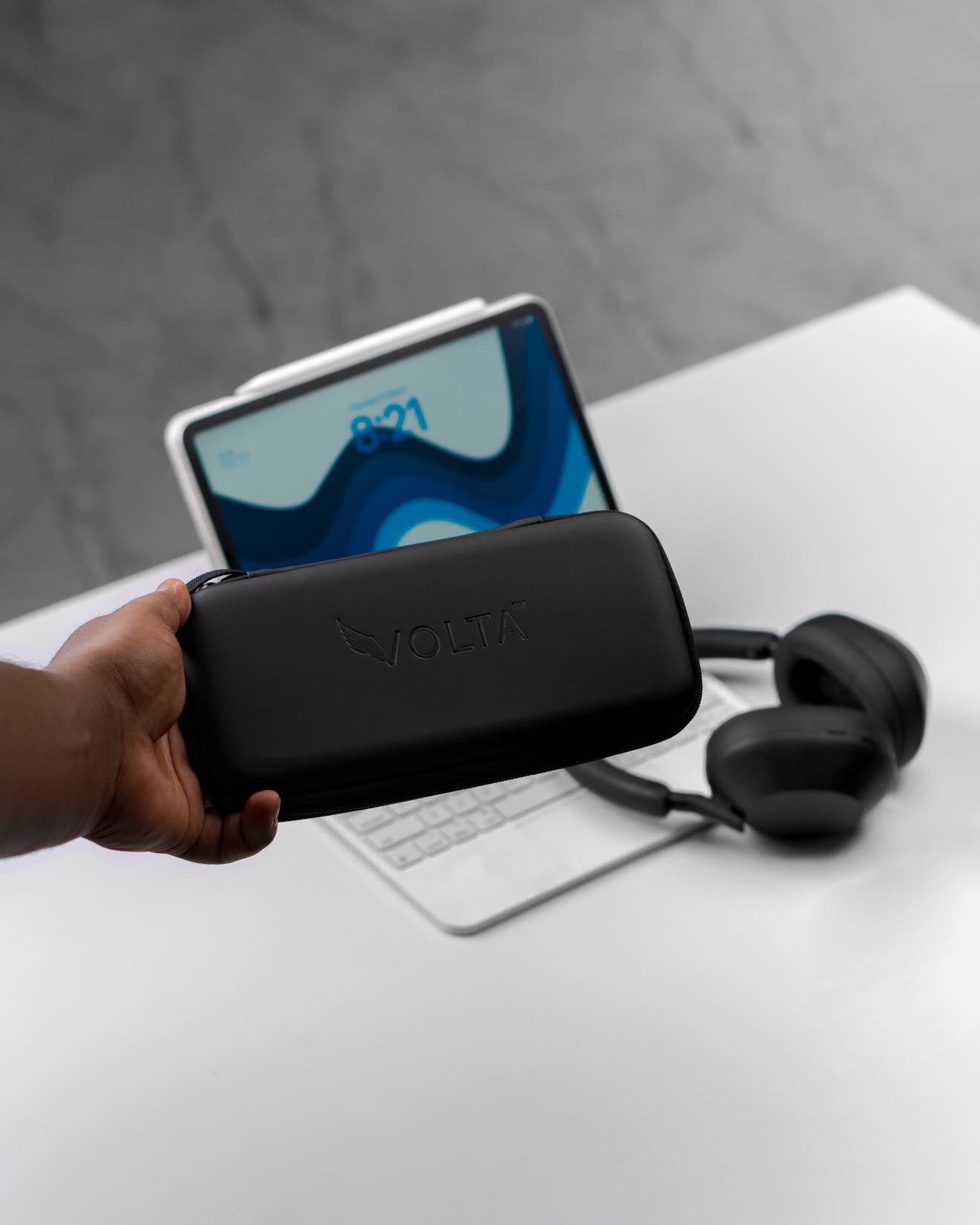
If you’re looking for a one-cable solution for all your charging needs, consider the Volta Max Cable. With a sleek, magnetic design, this 6-in-1 universal cable is the perfect partner for your iPhone, supporting USB-C, Lightning, and other connections. It’s not just about charging, it’s about doing it efficiently with high data transfer speeds and optimal power distribution. And with its future-proof design, the Volta Max Cable is ready to keep up with all your devices, no matter how fast the tech evolves.

Wireless Charging: Faster or Slower?
One of the key selling points of MagSafe is its convenience. However, wireless charging typically takes longer than wired charging, especially if you’re used to fast charging via USB-C. On average, a MagSafe charger will take around 2 hours to fully charge your iPhone, while wired charging can accomplish the same in half the time.
For those who prefer to charge without cables, wireless charging is a reliable option. Just make sure your MagSafe charger or Qi-compatible pad is aligned correctly to avoid slow charging.
However with a superior powerhouse like the VoltaGo Max, your iPhone charges fast. It is iPhone 16 MagSafe fast charge compatible

How to Maximize Your iPhone's Battery Efficiency
To ensure your iPhone charges quickly and the battery lasts as long as possible, follow these best practices:
Use Official or Certified Chargers: Third-party chargers that aren’t MFi (Made for iPhone) certified can lead to slower charging or even damage to your battery.
Keep Your iPhone Cool: Charging your iPhone in a hot environment can slow down the charging process and potentially degrade your battery over time.
Optimize Your Settings: Turn on Low Power Mode to reduce background activity while charging, which speeds up the process.
CONCLUSION
Charging your iPhone may seem straightforward, but using the right accessories and understanding the nuances of charging times can significantly improve your device’s performance. Whether you’re charging overnight, during your commute, or in between meetings, choosing fast, reliable options like a 20W charger or the versatile Volta Max Cable can make all the difference.
With the right tools, you’ll spend less time tethered to an outlet and more time enjoying the features your iPhone has to offer.
FAQs:
How long does it take to fully charge an iPhone with a standard 5W charger?
Charging with a 5W charger can take around 3 hours to fully charge older iPhones, like the iPhone SE, from 0% to 100%.
How fast can a 20W charger charge my iPhone?
A 20W charger can charge your iPhone to 50% in approximately 30 minutes. Full charging time ranges from 1.5 to 2 hours, depending on the iPhone model.
Does wireless charging take longer than wired charging?
Yes, wireless charging usually takes longer. For example, a MagSafe charger can fully charge an iPhone in about 2.5 to 3 hours, whereas wired charging with a 20W adapter can complete the process in about 2 hours.
What factors affect my iPhone’s charging speed?
Several factors impact charging speed, including battery health, background activity, and temperature. Charging in optimal conditions—when your phone is between 0°C and 35°C, yields the best results.
Does my iPhone come with a charger?
Recent iPhones no longer include a wall charger in the box. However, they come with a USB-C to Lightning cable. You can use compatible chargers from other Apple devices or purchase a 20W adapter separately.
What is fast charging, and why is it useful?
Fast charging allows you to power up your iPhone quickly, reaching 50% battery life in about 30 minutes with a 20W charger. It’s ideal for users who need a quick top-up during a busy day.
Does fast charging damage my iPhone’s battery?
No, fast charging doesn’t harm your iPhone’s battery. Apple has designed its iPhones with battery management features to prevent overheating or overcharging during fast charging sessions.
What’s the difference between USB-C and MagSafe charging?
USB-C charging typically provides faster charging speeds than MagSafe. However, MagSafe offers more convenience with wireless charging at up to 15W, though it tends to generate more heat and charge slower.
How can I extend my iPhone’s battery life?
To maximize battery efficiency, use certified chargers, avoid charging in extreme temperatures, and consider enabling Low Power Mode during charging to reduce background activity.
What’s the best cable for fast and versatile charging?
The Volta Max Cable is an excellent choice, offering a 6-in-1 universal design that supports fast charging for USB-C, Lightning, and other connections. It's a future-proof solution for all your charging needs.

Volta MAX Cable
✅ Easy Magnetic Connection ✅ Snap to Charge Your Phone, Laptop, and More ✅ Charges ALL Apple Lightning, USB-C & ...


1 kommentar
Carol
How do I change my battery on my iphone?
Lämna en kommentar
Denna webbplats är skyddad av hCaptcha och hCaptchas integritetspolicy . Användarvillkor gäller.