





Filtry




How to Choose the Right Charger for Dell
Check your port first: Newer Dell XPS models charge via USB-C. Older Dell laptops and some Precision models still use barrel connectors—USB-C chargers won't fit without adapters.
Wattage by line: Dell XPS 13 needs 45–65W. XPS 15/16 and Latitude need 90–130W. Precision workstations can need up to 180W.
USB-C PD: Dell's USB-C-charging laptops use the standard PD protocol. Any certified PD charger will work correctly.
GaN vs. Dell's stock charger: Dell's original power bricks are bulky for their wattage. GaN delivers equivalent or higher wattage in a much smaller, cooler-running body.
Why Choose a Volta Charger for Dell?
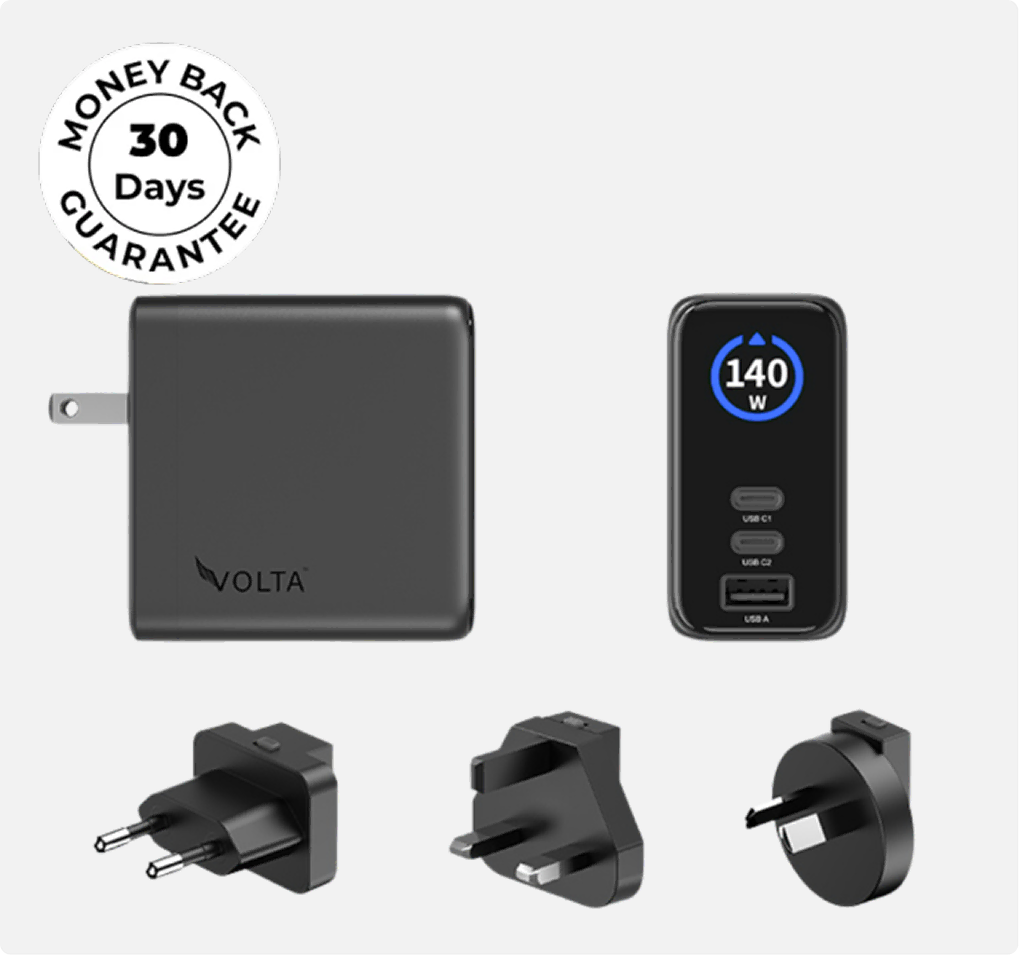
Matches Dell's charging speed — full USB-C PD support up to 140W
Smaller GaN design — noticeably lighter than Dell's stock power brick
Multi-device charging — Dell laptop, phone, and tablet from one charger
Better value — same performance at a lower price than genuine Dell replacement chargers
Active thermal protection — continuous monitoring during high-wattage charging
FAQ about Dell Chargers
What wattage does my Dell need?
Dell XPS 13: 45–65W. XPS 15/16: 90–130W. Latitude: 90–130W. Precision: up to 180W depending on model.
Can I use USB-C on older Dell laptops?
Older Dell models use barrel connectors. You'll need an adapter to use a USB-C charger, but it won't support full-speed charging officially.
Is a higher-wattage charger safe for my Dell?
Yes. Dell laptops negotiate their own charging rate with USB-C PD chargers, so higher wattage just means more headroom, not more power forced into the device.
Can I charge multiple devices at once?
Yes, with a multi-port charger. Your Dell laptop, phone, and tablet each get full charging speed simultaneously.
Will a third-party charger void my warranty?
No. Using any certified USB-C PD charger will not void your Dell warranty. Dell supports third-party PD charging.


